Table of Contents
ToggleProtecting valuables inside your home goes beyond deadbolts and window sensors. Medications, firearms, important documents, and family heirlooms often sit in cabinets and drawers secured by nothing more than a flimsy latch, or nothing at all. The Yale Smart Cabinet Lock brings keyless, smartphone-controlled security to the interior spaces where it matters most. Unlike traditional cabinet locks that require keys (which get lost) or combination dials (which are slow), Yale’s system integrates with your smart home ecosystem and grants access through biometrics, PINs, or mobile apps. This guide walks through everything needed to choose, install, and maintain these locks for everyday peace of mind.
Key Takeaways
- Yale Smart Cabinet Locks provide keyless, smartphone-controlled security for medications, firearms, documents, and valuables using Bluetooth, PIN codes, and voice commands instead of traditional keys.
- Installation is a straightforward 20–40 minute DIY project requiring only a drill, screwdriver, and basic tools, making it accessible for homeowners without professional help.
- Built-in features like tamper alerts, activity logs, temporary access codes, and auto-lock functionality give you complete control over who accesses your cabinets and when.
- Yale Smart Cabinet Locks excel in securing medicine cabinets, firearm storage, cleaning supplies, and jewelry, with battery life lasting 6–12 months and low-profile design that keeps cabinetry looking clean.
- Routine maintenance—such as quarterly unlock testing, firmware updates, and battery replacement every six months—ensures reliable long-term performance and security for your smart home.
What Is the Yale Smart Cabinet Lock and How Does It Work?
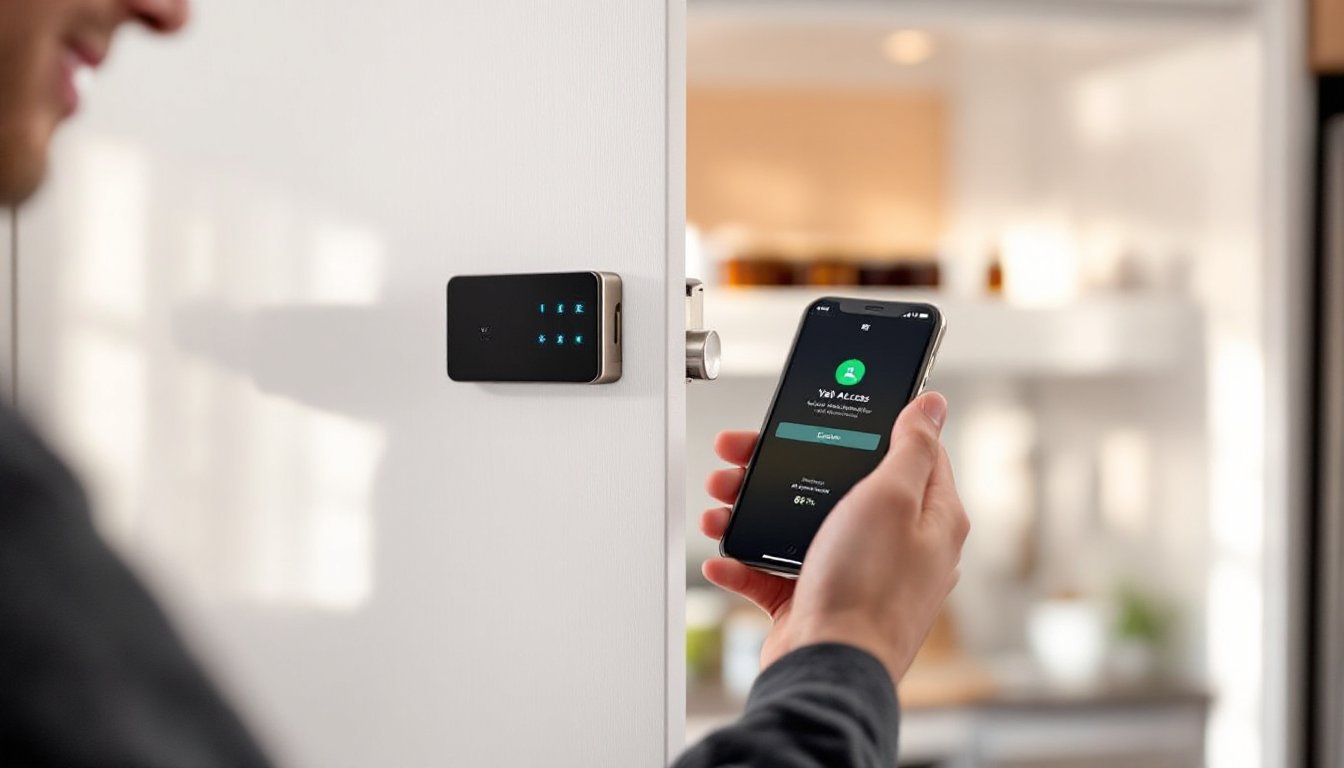
The Yale Smart Cabinet Lock is a battery-powered electronic locking mechanism designed to retrofit onto existing cabinet doors and drawers. It replaces or supplements mechanical latches with a motorized deadbolt controlled via Bluetooth, Wi-Fi, or a connected smart home hub.
Most models mount to the interior of a cabinet door or frame using screws and require a 3/4-inch to 1-inch clearance between the door and the cabinet body. The lock engages a strike plate on the opposing surface, preventing the door from opening until the system receives an authorized unlock command.
Power typically comes from four AA batteries, which last six to twelve months depending on usage frequency. When the battery runs low, the system sends push notifications to the user’s smartphone. Some Yale models include a backup physical keyhole accessible from the exterior, though this varies by product line.
Unlock methods include:
- Smartphone app (iOS and Android)
- Bluetooth proximity (auto-unlock when within range)
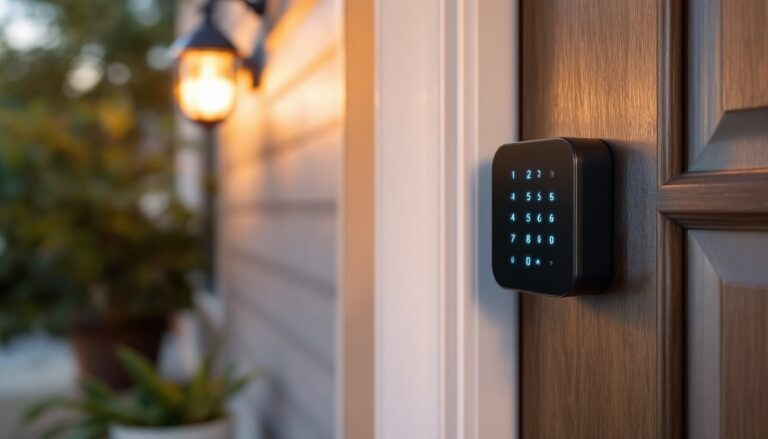
- PIN code entry on an integrated keypad (select models)
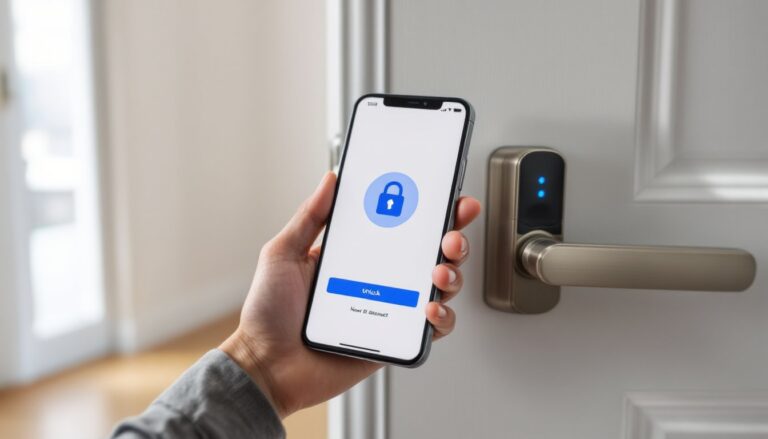
- Voice commands via Amazon Alexa, Google Assistant, or Apple HomeKit
- Physical backup key (on applicable models)
Integration with platforms like smart home automation systems allows users to create routines, such as automatically locking all cabinets when the home security system arms for the night.
Key Features That Make Yale Smart Cabinet Locks Stand Out
Yale has decades of lock engineering behind its product line, and that expertise shows in the cabinet lock’s design and feature set.
Tamper Alerts and Activity Logs
The system logs every lock and unlock event with a timestamp, which is useful for monitoring access to medication cabinets or verifying that children haven’t opened restricted drawers. If someone attempts forced entry or removes the lock from the cabinet, the app sends a real-time tamper alert.
Access Sharing and Temporary Codes
Users can grant access to family members, housekeepers, or pet sitters through the app, either permanently or on a schedule. Temporary PIN codes expire automatically after a set period, eliminating the need to change codes manually after someone’s access ends.
Auto-Lock Functionality
The lock can be configured to re-engage automatically after 10, 30, or 60 seconds. This prevents accidental leave-open situations and ensures that even if someone forgets to manually lock the cabinet, it secures itself.
Low-Profile Design
Unlike bulky mechanical locks, Yale’s cabinet lock sits nearly flush with the interior surface. The visible hardware is minimal, often just a small keypad or indicator light on higher-end models, which keeps cabinetry looking clean.
Weatherproofing (Select Models)
Certain Yale cabinet locks carry an IP rating for moisture resistance, making them suitable for bathroom medicine cabinets or garage storage where humidity is a concern. Always confirm the IP rating before installing in damp environments.
Many smart lock reviews in 2026 highlight Yale’s reliability in both exterior and interior applications, noting the brand’s consistent firmware updates and responsive customer support.
Installation Guide: How to Install Your Yale Smart Cabinet Lock
Installing a Yale Smart Cabinet Lock is a straightforward DIY project that takes 20 to 40 minutes per lock. No special wiring or structural modifications are required.
Tools and Materials Needed:
- Cordless drill/driver
- 1/8-inch drill bit (for pilot holes)
- Phillips-head screwdriver
- Tape measure
- Pencil
- Level (optional but helpful)
- Yale Smart Cabinet Lock kit (includes lock body, strike plate, mounting screws, batteries)
Step-by-Step Installation:
- Choose the Mounting Location
Open the cabinet door and identify where the lock will sit on the interior surface. It should be centered vertically and positioned so the deadbolt engages the cabinet frame or fixed shelf when closed. Mark the centerline with a pencil.
- Attach the Strike Plate
Close the door and transfer the centerline mark to the cabinet frame or opposing surface. Hold the strike plate against this mark and trace its outline. Use the 1/8-inch bit to drill pilot holes for the strike plate screws, then fasten it securely.
- Mount the Lock Body
Open the door again and align the lock body with your original centerline mark. Ensure the deadbolt will extend into the strike plate opening when the door closes. Mark the screw holes, drill pilot holes, and attach the lock using the provided screws. Do not overtighten, this can crack the plastic housing or strip the screw holes in particleboard or MDF cabinet material.
- Test the Mechanical Fit
Before programming, manually extend the deadbolt (if there’s a manual override) and close the door to confirm smooth engagement. The bolt should slide into the strike plate without binding or resistance. If it doesn’t align, loosen the lock body screws and adjust position slightly.
- Install Batteries
Insert the four AA batteries, observing polarity markings inside the battery compartment. The lock should emit a beep or LED flash to indicate power-on.
Setting Up and Programming Your Lock
Once the hardware is mounted, the lock requires pairing with the Yale app and initial configuration.
- Download the Yale Access App
Available for iOS and Android, the app guides users through Bluetooth pairing. Make sure Bluetooth is enabled on your smartphone and you’re within 10 feet of the lock.
- Add the Lock to Your Account
Open the app, select “Add a Device,” and follow the on-screen prompts. You’ll typically scan a QR code printed on the lock or inside the battery compartment. The app will detect the lock and prompt you to name it (e.g., “Medicine Cabinet,” “Gun Safe Drawer”).
- Set Up Access Codes and Users
Create a master PIN (4 to 8 digits, depending on model) and add any additional users. Each user can have a unique PIN or smartphone access. If your lock includes an auto-unlock feature, configure the Bluetooth proximity radius.
- Test All Unlock Methods
Lock and unlock the cabinet using the app, PIN code, and any voice assistant integration to ensure everything works. Check that notifications appear in the app when the lock is triggered.
- Enable Auto-Lock and Tamper Alerts
Navigate to the lock settings in the app and turn on auto-lock with your preferred delay. Enable tamper alerts if you want real-time notifications.
If integrating with a smart home hub (SmartThings, Home Assistant, or Apple HomeKit), follow the platform’s specific pairing instructions. Some Yale locks require a Wi-Fi bridge or hub for remote access outside Bluetooth range.
Best Use Cases: Where to Install Yale Smart Cabinet Locks in Your Home
Smart cabinet locks excel in scenarios where security, access tracking, or child safety is a priority.
Medicine Cabinets
Controlled substances, prescription opioids, and over-the-counter medications pose risks if accessed by children or visiting guests. A smart lock with scheduled access can prevent unsupervised use while still allowing caregivers to retrieve medications on a timed basis.
Firearm Storage
While dedicated gun safes offer the highest security, a Yale lock on a cabinet or drawer provides a fast-access alternative that still meets basic safe-storage requirements in many jurisdictions. Always verify local and state firearm storage laws, as some require specific safe ratings.
Liquor Cabinets
Families with teenagers or those hosting frequent gatherings can restrict access to alcohol without cluttering the space with bulky padlocks or combination locks.
Cleaning Supplies and Chemicals
Under-sink cabinets housing bleach, drain cleaners, or pesticides become child-safe zones with a smart lock. This is especially useful in homes where traditional childproofing latches are easily defeated by older toddlers.
Home Office Filing Cabinets
Tax documents, passports, Social Security cards, and financial records deserve more than a simple key lock. Smart locks provide audit trails showing exactly when and by whom documents were accessed.
Jewelry and Heirloom Storage
Built-in cabinetry in closets or bedrooms can be retrofitted with Yale locks to protect valuables without the expense of a floor safe. Tamper alerts notify owners immediately if someone tries to force entry while they’re away.
Garage and Workshop Cabinets
Power tools, sharp blades, and hazardous materials (paint thinners, epoxies, fertilizers) should be secured against accidental access by children or unauthorized use by contractors working on-site.
Troubleshooting Common Issues and Maintenance Tips
Even well-installed smart locks occasionally need attention. Here’s how to address the most common problems.
Lock Won’t Respond to App Commands
First, check Bluetooth range, most locks require the phone to be within 10 feet. If you’re trying to access remotely, confirm that a Wi-Fi bridge or hub is connected and online. Restart the app and toggle Bluetooth off and on. If the issue persists, remove the batteries for 30 seconds, reinsert them, and re-pair the lock.
Deadbolt Binds or Sticks
Misalignment is the usual culprit. Loosen the lock body screws slightly and shift the unit up, down, left, or right by a few millimeters, then retighten. Wood cabinets can swell with humidity changes, causing the strike plate to shift, check that it’s still aligned with the bolt path.
Batteries Drain Faster Than Expected
Excessive unlock attempts, weak Bluetooth signal, or firmware bugs can shorten battery life. Update the lock’s firmware through the app (Yale releases periodic updates). If the lock is in a metal cabinet, the signal may be attenuated: consider repositioning the lock or using a Wi-Fi bridge for connectivity.
PIN Code Not Working
Double-check that the code was entered correctly and hasn’t expired (if it was a temporary code). Some models require pressing a wake button before entering the PIN. If the keypad is unresponsive, the batteries may be too low, replace them even if the app hasn’t sent a low-battery alert yet.
Tamper Alerts Triggering Erroneously
Vibration from slamming cabinet doors or nearby construction can set off tamper sensors. Adjust the sensitivity in the app settings if your model supports it, or disable tamper alerts temporarily during known high-vibration periods.
Routine Maintenance
- Replace batteries every six months or as prompted by the app.
- Wipe the keypad and lock body with a dry microfiber cloth to remove dust and oils.
- Check screw tightness every few months, especially on high-use cabinets.
- Test all unlock methods (app, PIN, backup key) quarterly to ensure functionality.
- Update firmware whenever Yale releases a new version, these often include security patches and performance improvements.
If a lock fails mechanically (jammed motor, broken latch), contact Yale’s warranty support. Most units carry a one- to three-year limited warranty covering defects in materials and workmanship.
Conclusion
Yale Smart Cabinet Locks bring the same access control and monitoring capabilities found in front-door smart locks to the interior spaces where families store their most sensitive items. Installation is DIY-friendly for anyone comfortable with a drill, and the system integrates smoothly with major smart home platforms. Whether securing medications, firearms, documents, or valuables, these locks offer a practical upgrade over traditional keyed or mechanical alternatives, without requiring a contractor or custom cabinetry.