Table of Contents
ToggleA decade ago, home security meant deadbolts and motion lights. Today, homeowners manage networks of connected cameras, smart locks, thermostats, and voice assistants, devices that offer convenience but also create digital vulnerabilities. The shift from standalone computers to interconnected home systems has changed how people need to think about cybersecurity. Many homeowners still rely on outdated security practices or legacy software credentials, putting their entire network at risk. Understanding modern security threats and adopting current protection methods isn’t just about protecting data anymore, it’s about securing the physical safety and privacy of a home.
Key Takeaways
- ESET Smart Security 8 and other legacy antivirus software from 2016 cannot detect modern ransomware, zero-day exploits, and IoT-targeted malware that have evolved significantly over the past decade.
- Searching for unauthorized credentials or license keys for outdated security software often leads to malware-infected websites that distribute trojans and spyware alongside fake keygens.
- Securing a smart home requires changing default router credentials, updating firmware quarterly, disabling WPS, and segmenting IoT devices onto a separate network to prevent a single compromised device from accessing your entire system.
- Use a password manager with AES-256 encryption to generate and store unique 16+ character passwords for every account, and rotate smart home device passwords every six months.
- Enable two-factor authentication using authenticator apps (not SMS) on all accounts that support it, and save backup recovery codes in a secure location separate from your devices.
- Treat cybersecurity as ongoing infrastructure maintenance by conducting quarterly firmware updates, maintaining a device inventory, and reviewing your security checklist biannually.
Understanding Legacy Security Software and Modern Alternatives
ESET Smart Security 8, released in 2014-2015, was a solid antivirus suite for its time. By 2016, users were seeking license keys and credentials to activate versions that are now more than a decade old. While it’s understandable that homeowners want to maximize the value of purchased software, using security tools from 2016 in 2026 is like installing a 2010-era deadbolt on a smart door, the technology has simply moved past it.
Legacy antivirus programs lack the capability to detect modern threats. Ransomware variants, zero-day exploits, and IoT-targeted malware have evolved significantly since 2016. Older security software doesn’t receive definition updates, leaving systems vulnerable to attacks that exploit known weaknesses. The malware signatures and heuristic algorithms in decade-old programs can’t recognize current threat patterns.
Modern alternatives have shifted toward cloud-based threat intelligence and behavioral analysis. Contemporary security suites integrate with smart home ecosystems, monitoring network traffic for suspicious IoT device behavior. Many manufacturers now offer subscription-based security platforms that provide continuous updates, which is essential when dealing with connected devices that receive firmware updates and face new vulnerabilities monthly. According to Digital Trends, the landscape of home security software has shifted dramatically toward integrated protection systems.
For homeowners managing smart home devices, the transition to current security software isn’t optional, it’s necessary infrastructure maintenance, much like updating worn-out wiring or replacing corroded plumbing. The subscription model may feel like an ongoing expense, but it provides the continuous protection that static, outdated software cannot deliver.
The Risks of Using Outdated Antivirus Credentials
Searching for and using old username and password combinations for expired security software creates multiple problems. First, using unauthorized credentials violates software licensing agreements, it’s not a gray area. Beyond the legal issues, websites and forums offering “free” license keys for legacy software are often distribution points for the very threats antivirus programs are meant to block.
These sites frequently bundle keygens and credential generators with trojans, spyware, or cryptominers. A homeowner attempting to activate 2016 security software may inadvertently install malware that compromises their entire network. Once malware gains access to a home network, it can spread to connected devices, smart cameras, door locks, and thermostats become potential access points for attackers.
Older security software also lacks protection for the login credentials it’s supposed to safeguard. Modern security suites include password managers and encrypted vaults that sync across devices and alert users to compromised credentials in data breaches. A 2016 program has no awareness of breaches that occurred in the past ten years, leaving users with no notification that their credentials may be circulating in criminal databases.
The home improvement parallel is straightforward: using compromised materials creates structural weakness. Just as a DIYer wouldn’t install termite-damaged lumber as a load-bearing beam, homeowners shouldn’t build their network security on compromised or outdated software foundations. The initial cost savings disappear when dealing with identity theft, compromised devices, or the expense of professional remediation after a breach.
How to Properly Secure Your Home Network and Connected Devices
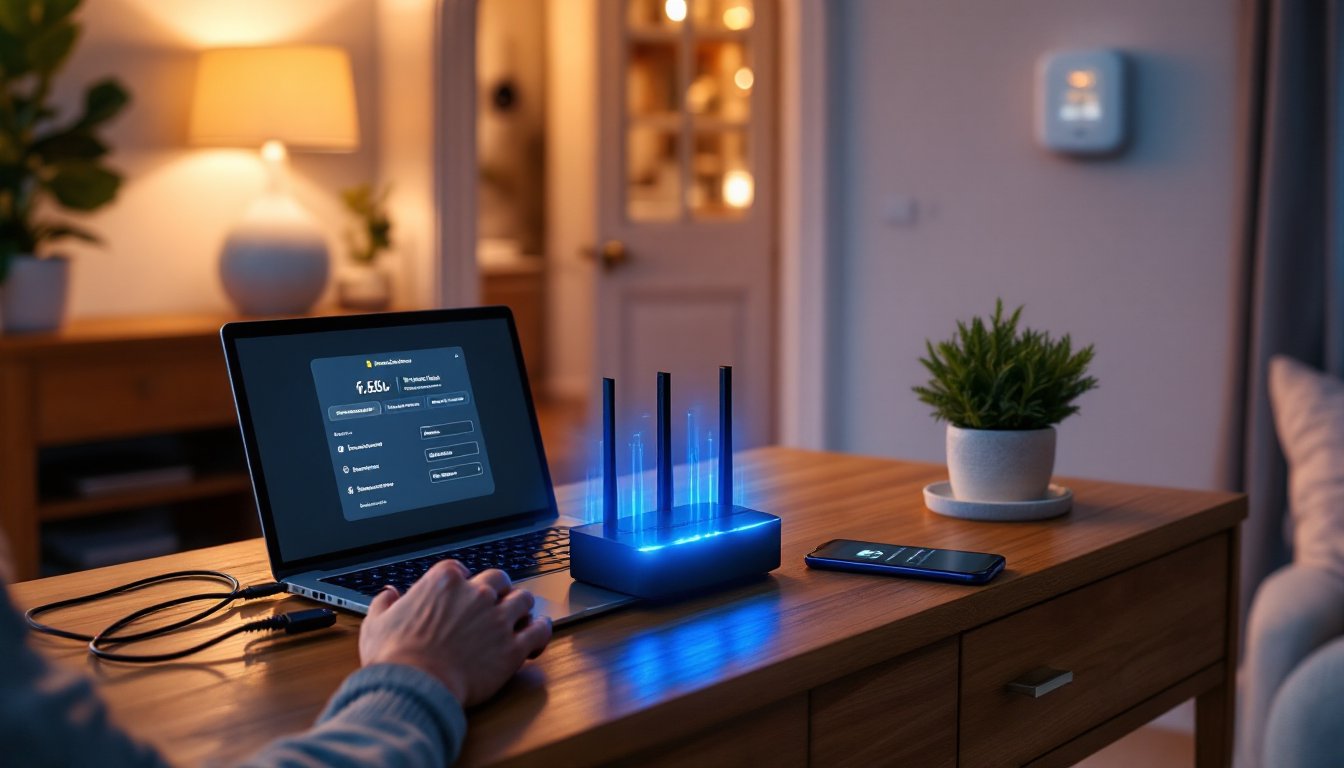
Securing a smart home starts at the router level, the foundation of the network. Most homeowners never change their router’s default admin credentials, which are often publicly listed in device manuals. The first step is accessing the router’s admin panel (typically through a browser at 192.168.1.1 or 192.168.0.1) and changing both the admin username and password to strong, unique credentials.
Next, update the router’s firmware. Manufacturers release security patches to address discovered vulnerabilities, but routers don’t always auto-update. Check the manufacturer’s support site quarterly for firmware updates. While in the router settings, disable WPS (Wi-Fi Protected Setup), which was designed for convenience but has known security flaws that allow attackers to brute-force network access.
Segment the network by creating a separate Wi-Fi network for smart home devices. Most modern routers support guest networks that can be repurposed for IoT devices. This isolation prevents a compromised smart bulb from providing access to the computer where financial records and personal documents are stored. Set the smart device network to use WPA3 encryption if the router supports it: if not, WPA2 is acceptable but WPA3 provides significantly better protection.
Many smart home security systems now integrate network monitoring features that alert homeowners to unusual device behavior. For devices that don’t need internet access to function, like some smart switches and local-only security cameras, disable their internet connection through router settings. They’ll still work on the local network but can’t be accessed remotely by attackers.
Creating Strong, Unique Passwords for Every Account
Password reuse is one of the most common security failures in home networks. When one service experiences a data breach, attackers test those credentials across hundreds of other platforms. A compromised email password can lead to reset requests on smart home apps, giving attackers control over physical devices.
Strong passwords should be at least 16 characters and include uppercase letters, lowercase letters, numbers, and symbols. But length matters more than complexity, a 20-character passphrase is harder to crack than a 10-character jumble of symbols. Avoid personal information like addresses, family names, or birth years.
Password managers solve the memorization problem. They generate and store unique passwords for every account, syncing across devices and auto-filling login fields. Look for managers with AES-256 encryption and zero-knowledge architecture, meaning the company can’t access stored passwords. Many include breach monitoring that alerts users when credentials appear in leaked databases.
For smart home devices, create a dedicated email address used exclusively for device accounts. If that email appears in a breach, the exposure is limited to smart home services rather than extending to banking, work, or personal communications. Update passwords on all smart home apps and devices every six months, particularly after news of manufacturer data breaches.
Implementing Two-Factor Authentication
Two-factor authentication (2FA) adds a second verification step beyond passwords, typically a code sent to a phone or generated by an authenticator app. Enable 2FA on every account that offers it, email, smart home platforms, security camera services, and voice assistant accounts.
Authenticator apps like Google Authenticator, Authy, or Microsoft Authenticator are more secure than SMS-based codes. SMS messages can be intercepted through SIM-swapping attacks, where an attacker convinces a mobile carrier to transfer a phone number to a new SIM card. Authenticator apps generate time-based codes that exist only on the device and don’t rely on cellular networks.
Some smart home systems support hardware security keys, physical USB or NFC devices that must be present to complete login. These provide the strongest 2FA protection and are worth considering for primary accounts controlling critical systems like security cameras and smart locks. Reviews on Tom’s Guide regularly evaluate authentication hardware for home users.
When enabling 2FA, save the backup recovery codes in a secure location separate from the device, a fire-resistant safe or encrypted cloud storage with its own strong password. Losing access to an authenticator app without backup codes can lock users out of their own systems, requiring lengthy account recovery processes that may not always succeed.
Best Practices for Protecting Your Smart Home Technology
Regular maintenance schedules work as well for digital security as they do for physical home systems. Set quarterly reminders to check for firmware updates on all connected devices, routers, cameras, smart locks, hubs, and voice assistants. Manufacturers often bury update options deep in device settings menus, so document the process for each device type.
Inventory all connected devices. Many homeowners lose track of what’s on their network. Use the router’s admin panel or a network scanning app to identify every device. Disconnect and reset any devices no longer in use, old smartphones, replaced smart plugs, or forgotten security cameras can serve as entry points if still connected.
Before purchasing new smart home devices, research the manufacturer’s security track record. Avoid brands with histories of unpatched vulnerabilities or discontinued support for recent products. Look for devices that support automatic firmware updates and have published security policies. Cheaper off-brand devices often lack basic security features and may never receive updates after purchase.
Disable unnecessary features. Many smart devices ship with remote access and cloud storage enabled by default. If remote access isn’t needed, disable it. Use local storage (SD cards or NAS devices) instead of cloud services when possible, reducing the number of external services with access to home data.
Create a security checklist and review it biannually:
- Router firmware updated
- All device firmware updated
- Passwords rotated on primary accounts
- Network device inventory reviewed
- Guest/IoT network segregation maintained
- 2FA enabled on all capable accounts
- Antivirus and security suite subscriptions current
- Backup systems tested and functional
For households with multiple family members, educate everyone about phishing attempts and suspicious links. A compromised phone or tablet on the home network can provide access to shared devices and systems. Consider setting up device-level parental controls not just for content filtering, but for limiting which apps can be installed and what permissions they receive.
Conclusion
Securing a smart home requires the same attention to detail and regular maintenance as any other home system. Outdated security software and compromised credentials create vulnerabilities that extend beyond computers to the physical devices controlling locks, cameras, and access points. Modern security practices, strong unique passwords, current software, network segmentation, and two-factor authentication, provide the foundation for a protected connected home. Treat cybersecurity as ongoing infrastructure maintenance, not a one-time installation, and the convenience of smart home technology won’t come at the cost of safety and privacy.