Table of Contents
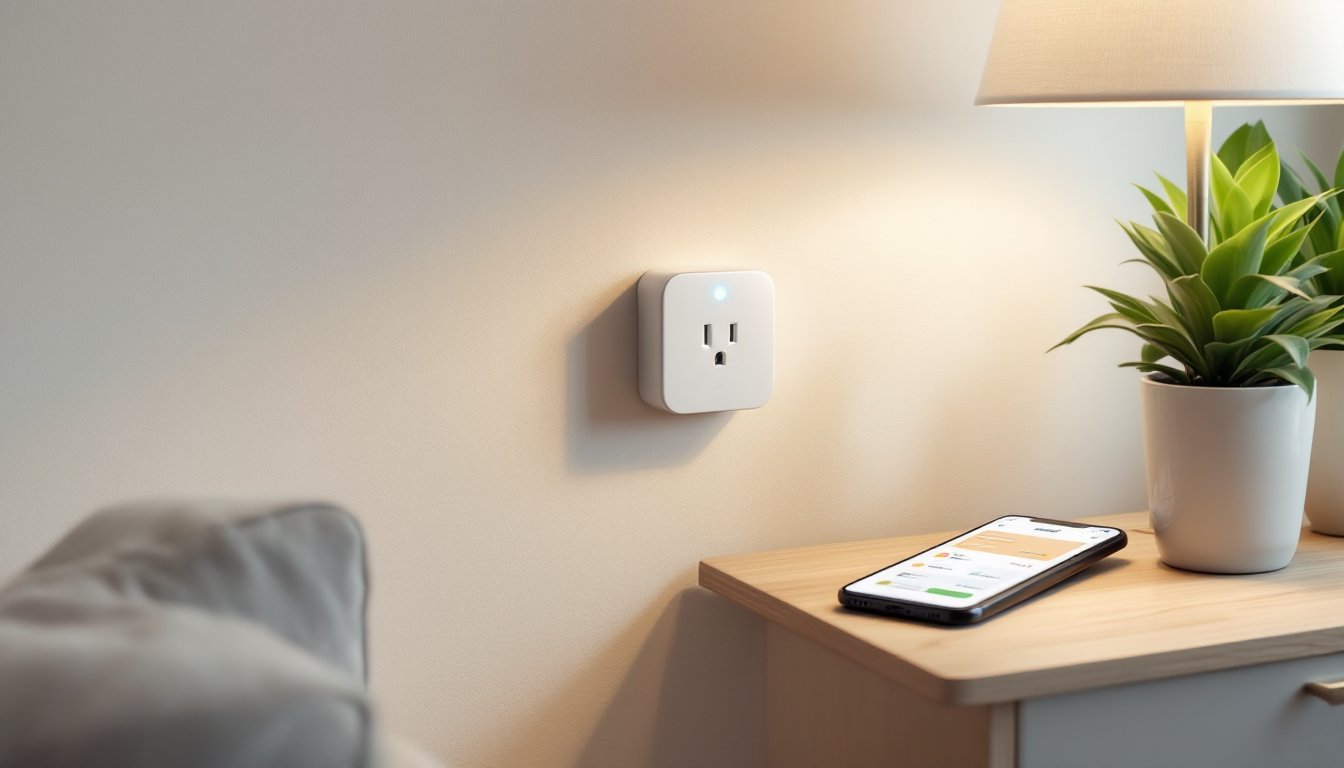
ToggleA smart outlet transforms any standard electrical receptacle into a connected device that responds to your voice, smartphone, or schedule. Unlike traditional outlets that simply provide power, smart outlets let homeowners control what’s plugged in from anywhere, monitor energy consumption in real time, and automate everyday devices without rewiring or calling an electrician. They’re one of the easiest entry points into home automation, affordable, DIY-friendly, and compatible with most existing electrical boxes. Whether someone’s looking to turn off a forgotten curling iron from work or schedule lights while on vacation, smart outlets deliver practical control over the devices already in the home.
Key Takeaways
- A smart outlet is a Wi-Fi-enabled device that plugs into existing wall outlets or replaces standard receptacles, allowing remote control of any plugged-in device from a smartphone app, voice assistant, or automation routine.
- Smart outlets come in two main formats: plug-in adapters (tool-free and renter-friendly) and in-wall receptacles (requiring basic electrical work but offering a cleaner appearance).
- Key features include remote control, scheduling, voice integration with Alexa and Google Assistant, energy monitoring, and automation triggers based on conditions like humidity or geofencing.
- Energy monitoring reveals phantom load from standby devices, helping households reduce power consumption by 5–10% annually and save $50–$150 per year on electricity bills.
- Popular uses for smart outlets range from controlling lamps and coffee makers to automating holiday lights, fans, space heaters, and entertainment systems without rewiring.
- Installation requires turning off power at the breaker, disconnecting old wiring, and securely connecting the smart outlet’s hot, neutral, and ground leads—a 15–30 minute DIY task that matches standard receptacle replacement.
Understanding Smart Outlets and How They Work
A smart outlet is a Wi-Fi or Bluetooth-enabled electrical receptacle that plugs into an existing wall outlet or replaces a standard 15-amp or 20-amp receptacle. Most models connect to a home’s 2.4 GHz Wi-Fi network and communicate with a smartphone app, voice assistant (Alexa, Google Assistant, or Siri), or smart home hub.
The device itself contains a relay switch and microcontroller. When a user sends a command, through an app, voice, or automation routine, the relay opens or closes the circuit, turning power on or off to whatever’s plugged in. Some units also include energy monitoring chips that measure voltage, current, and wattage in real time.
Smart outlets come in two main formats: plug-in adapters and in-wall receptacles. Plug-in models insert directly into an existing outlet and add one or two smart-controlled sockets. In-wall versions replace the entire receptacle and require basic electrical work, turning off the breaker, removing the old outlet, connecting hot, neutral, and ground wires, and securing the new device into the electrical box. Both types draw a small amount of standby power (typically 0.5–2 watts) to maintain their wireless connection.
Most smart outlets require a neutral wire, which is standard in homes built after the 1980s but may be absent in older boxes. Check the existing outlet before purchasing an in-wall model. If there’s no neutral (just a hot and ground), a plug-in adapter is the safer choice.
Key Features and Capabilities of Smart Outlets
Modern smart outlets pack several useful features beyond simple on/off control. Understanding what’s available helps match the right device to each use case.
Remote control is the baseline. Any smart outlet allows users to toggle power from a phone app, whether they’re upstairs or across the country. This works as long as the home Wi-Fi and internet connection are active.
Scheduling and timers let homeowners set devices to turn on or off at specific times. A coffee maker can start at 6:00 a.m., a fan can shut off at bedtime, and holiday lights can follow a daily routine without manual input.
Voice control integration works with Alexa, Google Assistant, and Apple HomeKit (depending on the model). Users can say “turn off the living room lamp” without pulling out a phone.
Energy monitoring tracks real-time and historical power consumption. The app displays wattage, estimated cost, and cumulative kilowatt-hours, which helps identify energy hogs and verify that devices are actually off when they should be.
Automation and scenes allow smart outlets to trigger based on conditions, sunrise/sunset, motion sensors, or other connected devices. For example, a dehumidifier can turn on when a humidity sensor hits 60%, or a space heater can shut off when a user’s phone leaves the geofence around the home.
Dual outlets on plug-in models often provide independent control of each socket, effectively doubling functionality without using a second receptacle. Some in-wall versions also split control between the top and bottom socket, though this depends on how the outlet is wired.
Benefits of Installing Smart Outlets in Your Home
Smart outlets solve everyday problems without requiring a full smart home overhaul. They’re modular, scalable, and immediately useful.
Convenience tops the list. Forgotten devices, hair straighteners, space heaters, garage door openers, can be shut off remotely. No more second-guessing whether the iron was unplugged before leaving for the airport.
Home security gets a boost through automated lighting. Lamps and radios can turn on and off on randomized schedules while the household is away, simulating occupancy and deterring break-ins. This beats basic timers because the pattern varies daily.
Safety improves by cutting power to high-heat or motorized devices when they’re not actively supervised. A window fan, portable heater, or phone charger can be scheduled to turn off overnight, reducing fire risk.
Accessibility matters for anyone with mobility challenges. Voice control and app-based switching eliminate the need to reach outlets behind furniture or bend down to floor-level receptacles.
Energy Monitoring and Cost Savings
Energy monitoring reveals which devices consume the most power, often with surprising results. A seemingly innocent cable box or old refrigerator in the garage might draw 50–100 watts continuously, adding $5–$10 per month to the electric bill.
Smart outlets quantify phantom load, the power devices pull even when “off.” Many electronics continue drawing 1–20 watts in standby mode. By scheduling these devices to fully power down when not in use, households can trim 5–10% off their annual electricity consumption. That translates to $50–$150 in savings for an average U.S. home, depending on local rates and usage.
The data also helps optimize high-draw appliances. Running a window AC unit only during peak heat hours, or scheduling a dehumidifier to cycle on and off based on humidity readings, reduces runtime without sacrificing comfort. Some energy monitoring features provide granular reports that break down cost by hour, day, or month.
Choosing the Right Smart Outlet for Your Needs
Selecting a smart outlet depends on the device being controlled, the location, and the broader smart home ecosystem.
Plug-in vs. in-wall: Use plug-in adapters for renters, temporary setups, or situations where the electrical box can’t accommodate a new receptacle. They’re tool-free and reversible. In-wall models offer a cleaner look, free up outlet space, and suit permanent installations in owned homes.
Load rating: Most smart outlets handle 15 amps (1,800 watts at 120V), which covers nearly all household electronics and small appliances. High-draw devices like space heaters, window AC units, and power tools often approach or exceed this limit. Check the device’s nameplate for amperage and ensure the smart outlet is rated appropriately. Overloading the outlet can trip its internal breaker or damage the relay.
Indoor vs. outdoor: Outdoor-rated smart outlets carry a weatherproof enclosure (typically NEMA 3R or higher) and sealed connection points to handle rain, humidity, and temperature swings. They’re essential for controlling landscape lighting, fountain pumps, or holiday decorations. Standard indoor models aren’t rated for moisture exposure.
Platform compatibility: Verify that the outlet works with the existing voice assistant and smart home hub. Most models support Alexa and Google Assistant, but Apple HomeKit compatibility is less common and often requires a hub. Some manufacturers use proprietary apps that don’t integrate well with other brands, this matters if the household already uses a unified platform like SmartThings or Home Assistant.
Energy monitoring: Not all smart outlets include this feature. If tracking consumption is a priority, confirm it’s listed in the specs. Some budget models omit monitoring to hit a lower price point.
Physical size: Plug-in smart outlets are bulkier than standard plugs. Measure clearance behind furniture and check whether the unit will block adjacent outlets. Compact or side-plug designs work better in tight spaces.
Installing Your Smart Outlet: A DIY-Friendly Project
Installing a smart outlet is a straightforward DIY task for anyone comfortable with basic electrical work. It requires about 15–30 minutes per outlet and follows the same process as replacing a standard receptacle.
Safety first: Turn off power at the breaker panel. Verify the circuit is dead using a non-contact voltage tester or multimeter before touching any wires. Wear safety glasses and work in a well-lit area.
Tools needed: flathead and Phillips screwdrivers, wire strippers, needle-nose pliers, voltage tester, and a headlamp or work light.
Step-by-step installation:
- Remove the old outlet: Unscrew the cover plate, then remove the two screws securing the receptacle to the electrical box. Gently pull the outlet out, exposing the wiring.
- Identify wires: Standard outlets have a black (hot) wire, white (neutral) wire, and bare copper or green (ground) wire. Some boxes include multiple hot or neutral wires on the same terminal, note their configuration before disconnecting.
- Disconnect wires: Loosen the terminal screws and remove the wires. If wires are backstabbed (inserted into holes on the back of the outlet), insert a small flathead screwdriver into the release slot to free them.
- Prep wires: Trim any damaged or oxidized copper. Strip about 3/4 inch of insulation from each wire. Form a hook shape with needle-nose pliers, this ensures a solid connection under the screw terminal.
- Connect the smart outlet: Attach the ground wire first (bare copper to the green screw). Then connect neutral (white wire to the silver screw) and hot (black wire to the brass screw). Many smart outlets include wire leads instead of screw terminals, use wire nuts to join matching colors. Tighten connections firmly: loose wires cause arcing and fire hazards.
- Tuck and mount: Fold the wires neatly into the box. Screw the smart outlet into the box, ensuring it’s level. Attach the cover plate.
- Restore power and test: Flip the breaker back on. Follow the manufacturer’s app instructions to connect the outlet to Wi-Fi. Test on/off control via the app and voice assistant.
Permit requirements: Most jurisdictions don’t require a permit for like-for-like outlet replacement. But, adding a new circuit or relocating an outlet does require one. Check local codes.
When to call a pro: If the electrical box lacks a neutral wire, is damaged, or contains aluminum wiring (common in homes built 1965–1975), hire a licensed electrician. Aluminum wiring requires special connectors and techniques to prevent overheating.
Popular Uses for Smart Outlets Around Your Home
Smart outlets shine in specific applications where remote control, scheduling, or energy monitoring adds real value.
Lamps and lighting: Convert any table or floor lamp into a smart light. Schedule lamps to turn on at sunset or create a “goodnight” routine that shuts off every lamp at once. This works especially well with dimmable smart plugs that add brightness control to non-dimmable bulbs.
Coffee makers and small appliances: Wake up to fresh coffee without a built-in timer. Schedule a coffee maker, electric kettle, or slow cooker to start before getting out of bed. Note: only use this with appliances that have mechanical switches (they stay “on” when power is restored). Appliances with digital controls won’t work, they require a button press after power loss.
Fans and window AC units: Control comfort devices by schedule or voice. A bedroom fan can turn on at bedtime and off in the morning. Window AC units can cycle based on temperature readings from a separate smart thermostat or sensor. Many smart plug options include energy monitoring that reveals how much these devices actually cost to run.
Holiday and seasonal decorations: Automate Christmas lights, Halloween displays, or patio string lights. Set them to turn on at dusk and off at midnight, or create color-coordinated scenes if using smart RGB bulbs.
Workshop and garage tools: Power down tools, battery chargers, and compressors when not in use. Energy monitoring identifies which tools draw standby power. Voice control is handy when hands are full or covered in grease.
Aquarium equipment and pumps: Schedule lighting for fish tanks or automate filtration pumps. Energy monitoring ensures pumps are running efficiently. Some aquarium setups benefit from randomized lighting schedules that mimic natural cloud cover.
Space heaters and dehumidifiers: Add smarts to non-connected climate devices. Pair a smart outlet with a separate temperature or humidity sensor to trigger heating or dehumidification based on conditions. Always verify the heater’s wattage doesn’t exceed the outlet’s rating, most portable heaters pull 1,500 watts, which is safe for 15-amp outlets but leaves little margin.
Entertainment systems: Eliminate phantom load from cable boxes, gaming consoles, and AV receivers. These devices often draw 10–50 watts in standby. Cutting power when the TV is off can save $20–$40 annually. Use a smart power strip with multiple controlled outlets to manage an entire entertainment center.
Smart outlets won’t replace dedicated smart devices in every scenario. A smart thermostat outperforms a smart outlet paired with a space heater, and smart bulbs offer more features than smart outlets controlling dumb lamps. But for retrofitting existing devices and adding control to “non-smart” appliances, they’re an inexpensive and effective solution. For more ideas on integrating smart plugs into daily routines, current smart home reviews highlight creative applications and user experiences.