Table of Contents
ToggleEufy has carved out a reputation for budget-friendly smart home gear that doesn’t skimp on functionality, and their smart locks are no exception. If you’re looking to upgrade from keyed deadbolts without paying for professional installation or a monthly subscription, Eufy’s lineup deserves a hard look. But “affordable” doesn’t always mean “worth it.” Between battery quirks, app dependency, and real-world security concerns, there’s plenty to unpack. This review walks through installation, smart features, security performance, and how Eufy stacks up against August, Schlage, and Yale, all from a DIYer’s perspective.
Key Takeaways
- Eufy smart locks cost $100–$200 and deliver strong value by eliminating monthly subscriptions and offering local Bluetooth control without cloud dependency.
- Installation is a true DIY project taking under 30 minutes—retrofit design replaces only the interior assembly, preserving existing exterior hardware and avoiding door drilling.
- Fingerprint recognition and standard AA/AAA batteries set Eufy apart, though the lock relies on app-based control and lacks geofencing, HomeKit, or USB backup charging.
- Battery life averages 4–6 months with moderate use; Eufy smart lock security uses industry-standard AES-128 encryption but doesn’t upgrade the keyed cylinder, leaving bump-key vulnerabilities intact.
- Compared to August, Schlage, and Yale, Eufy ranks in the top five for value and ease of use, making it ideal for renters and homeowners seeking convenience over advanced smart home integration.
What Makes Eufy Smart Locks Stand Out?
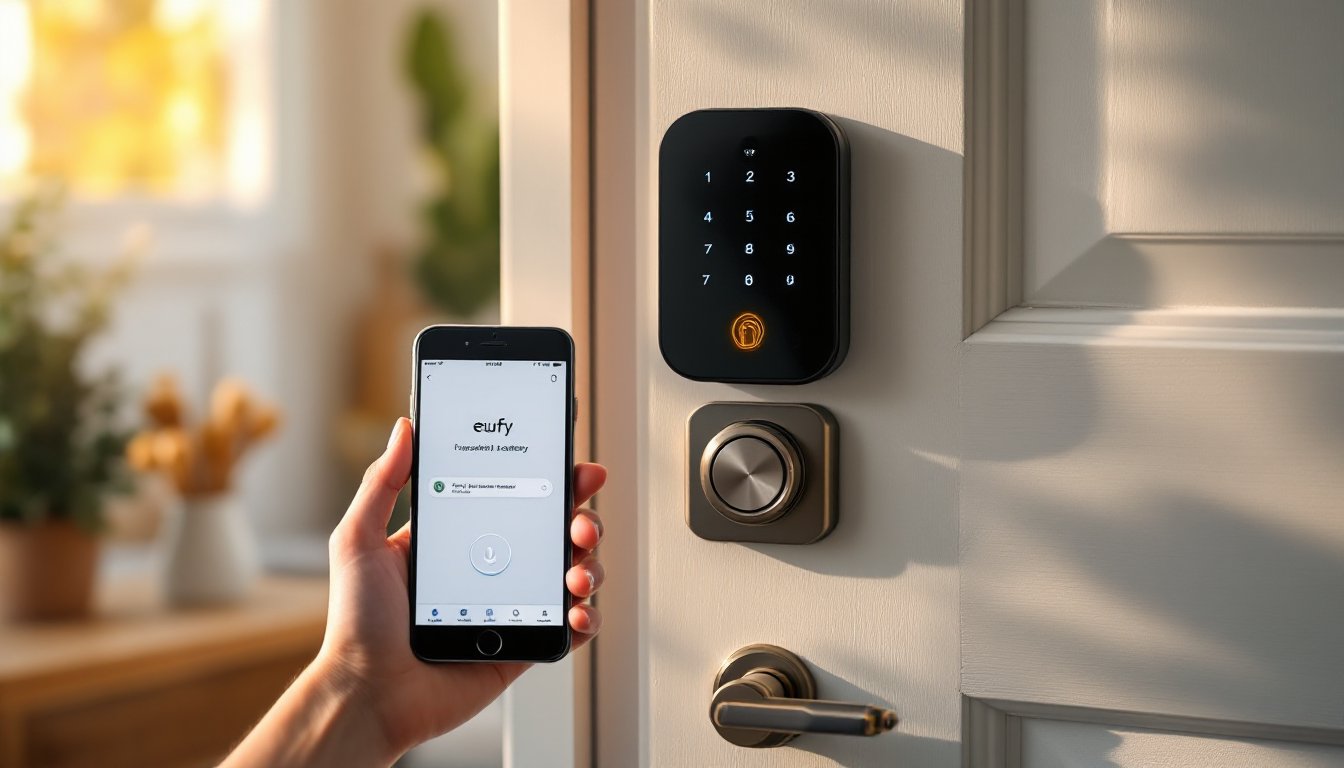
Eufy smart locks land in the sweet spot between basic electronic deadbolts and premium connected locks. Most models run $100–$200, which undercuts competitors by 30–50% without sacrificing core features like fingerprint recognition, keypad entry, and Wi-Fi or Bluetooth connectivity.
The standout feature is local control. Unlike locks that demand cloud subscriptions (looking at you, Ring), Eufy operates primarily via Bluetooth with optional Wi-Fi through their HomeBase hub. That means no monthly fees and fewer privacy headaches, your unlock data stays on-device unless you opt into cloud sync.
Most Eufy models use a retrofit design that replaces only the interior deadbolt assembly, keeping your existing keyed cylinder and exterior hardware intact. This cuts install time in half and means you’re not drilling new holes or swapping door prep. It’s a big win if you’re renting or want to preserve original hardware.
They also skip the proprietary battery trap. Models use standard AA or AAA cells (four to eight depending on the model), readily available at any hardware store. No hunting for CR123A batteries or waiting on Amazon deliveries when you’re locked out at 11 PM.
Installation and Setup: A True DIY Project
Eufy markets their locks as 10-minute installs, and for once, that’s not marketing fiction, if your door is prepped for a standard deadbolt and you’re just swapping out existing hardware.
Tools needed:
- Phillips-head screwdriver
- Measuring tape
- Optional: drill with 1″ and 2-1/8″ spade bits (only if installing a new deadbolt, not retrofitting)
Installation steps:
- Remove the interior thumb-turn assembly from your existing deadbolt using the screwdriver. Leave the exterior keyed cylinder in place.
- Check backset measurement (distance from door edge to center of the hole). Standard is 2-3/8″ or 2-3/4″. Eufy locks accommodate both.
- Attach the Eufy mounting plate to the door using the provided screws. Align the tailpiece slot with your deadbolt mechanism.
- Snap the interior lock body onto the mounting plate. Route the cable (if your model includes a keypad) and secure with the locking screw.
- Install batteries, then calibrate the lock via the app by manually turning the deadbolt a few times.
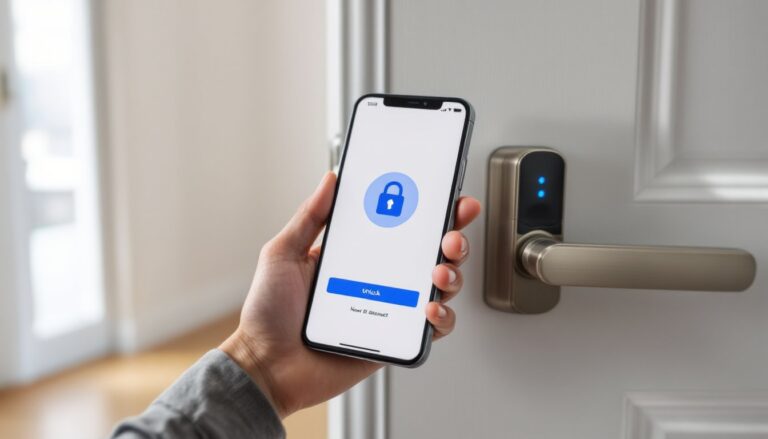
The app setup is straightforward: download Eufy Security, create an account, and add the lock via Bluetooth pairing. Fingerprint enrollment takes about 10 scans per finger and works best if you vary finger placement slightly each time.
Gotchas: Door thickness matters. Eufy locks fit doors 1-3/8″ to 2″ thick. Thicker doors (common in older homes or steel exterior doors) won’t work without shimming. Also, if your existing deadbolt has a non-standard backset or cross-bore diameter, you’ll need to redrill, not a 10-minute job.
Smart Features and App Performance
Eufy’s app is cleaner than most competitors’, but it’s still app-dependent for any advanced settings. Bluetooth range is solid, about 10–15 feet through interior walls, which covers most front door scenarios if you’re standing in the entryway or living room.
Key features include:
- Auto-lock: Configurable from 10 seconds to 10 minutes. Works reliably, though there’s no geofencing option to disable it when you’re home.
- Activity log: Shows who unlocked (fingerprint, code, or key) and when. Logs stay local unless you connect a HomeBase for cloud sync.
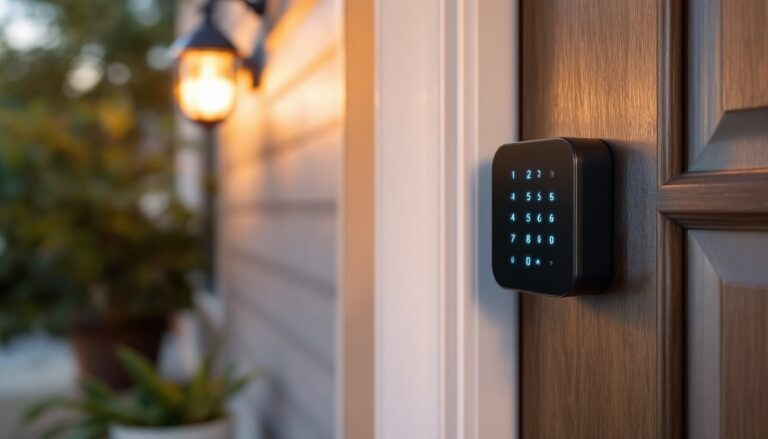
- Temporary codes: Generate one-time or time-limited PIN codes for guests, contractors, or cleaners. Codes can be sent via text (though this requires the recipient to manually enter it, no smart link).
- Voice control: Works with Alexa and Google Assistant for lock status checks and locking (not unlocking, for security reasons). Requires the Wi-Fi bridge or HomeBase.
Compared to the best smart locks that support Apple HomeKit or more robust geofencing, Eufy feels a generation behind. There’s no auto-unlock via GPS, no integration with smart doorbells for delivery verification, and no live unlock notifications unless you’re actively in the app.
App responsiveness is fine on Bluetooth, though unlocking from across the house (Wi-Fi mode) introduces a 2–4 second delay. Not a dealbreaker, but noticeable if you’re coming from instant mechanical keys.
Security and Battery Life
Eufy uses AES-128 encryption for communication between lock and app, industry standard, not cutting-edge, but sufficient for residential use. The fingerprint sensor is capacitive (same tech as smartphones), not optical, so it won’t be fooled by photos or molds.
Physical security is where retrofit locks generally lag. Because you’re keeping the original keyed cylinder, bump keys and lock picking remain vulnerabilities, same as before the smart lock. Eufy doesn’t upgrade the cylinder itself. If you’re in a high-risk area, consider swapping to a pick-resistant cylinder like Medeco or Mul-T-Lock.
The lock includes a physical key override, which is essential if batteries die or electronics fail. Some users report the keyhole cover is flimsy and cracks after a few months of outdoor exposure, worth checking annually.
Battery life averages 4–6 months with moderate use (10–15 unlocks per day). Heavy use (shared household, multiple kids) can drain it in 8–10 weeks. The app warns you at 20% remaining, giving about two weeks’ notice. Low-battery warnings show up as a red LED on the keypad and a push notification.
One frustration: there’s no backup charging port like you’ll find on Yale or August locks. If batteries die and you don’t have your physical key, you’re stuck outside until you swap cells. Keep a spare set in your car or with a neighbor.
Pros and Cons for Homeowners
Pros:
- No subscription fees. Local Bluetooth control and optional cloud sync without monthly charges.
- Easy retrofit installation. Most DIYers finish in under 30 minutes with basic tools.
- Fingerprint recognition works in cold, wet, or gloved hands better than optical sensors.
- Standard batteries (AA/AAA) available anywhere, no proprietary cells.
- Temporary access codes are simple to generate and revoke via the app.
Cons:
- No auto-unlock geofencing. You’ll always need to open the app, use a code, or scan a fingerprint.
- Limited smart home integration. Alexa and Google only: no HomeKit, SmartThings, or Z-Wave hubs.
- Bluetooth range limits remote access unless you buy the HomeBase hub (extra $50–$100).
- Keyhole cover durability is questionable in harsh climates (UV, freezing rain).
- No USB backup charging. Dead batteries mean you’re relying on the physical key.
According to a detailed Eufy smart lock review, the lock performs well in moderate climates but shows occasional Bluetooth dropout in extreme cold (below 10°F) or when the door is metal-clad. If you’re in the Upper Midwest or Northeast, plan on replacing batteries more frequently in winter.
How Eufy Compares to Other Smart Lock Brands
Eufy vs. August (Yale Access): August locks (now owned by Assa Abloy) are slicker and offer Apple HomeKit and auto-unlock geofencing. They’re also $100–$150 more expensive and require a Wi-Fi bridge for remote access. August wins on features: Eufy wins on price and no-subscription operation.
Eufy vs. Schlage Encode: Schlage’s built-in Wi-Fi eliminates the need for hubs, and their locks meet ANSI/BHMA Grade 1 security standards (Eufy is unrated). Schlage costs $200–$280 and uses proprietary batteries, though they last 12+ months. If you want commercial-grade hardware, go Schlage. For basic residential use, Eufy is plenty.
Eufy vs. Wyze Lock: Wyze undercuts Eufy by $20–$40 but sacrifices fingerprint recognition and has a reputation for buggy firmware updates. Wyze works if you’re all-in on their ecosystem: otherwise, Eufy’s stability and fingerprint sensor justify the upcharge.
Eufy vs. Kwikset Halo: Kwikset also offers Wi-Fi built-in and SmartKey re-keying (you can change the key yourself without a locksmith). Price is similar ($180–$220). Kwikset edges ahead on rekeying convenience: Eufy counters with better app design and faster fingerprint response.
Many smart lock reviews rank Eufy in the top five for value, typically behind Schlage and Yale for security but ahead of budget models for reliability and ease of use.
Conclusion
Eufy smart locks deliver solid performance for homeowners who want keyless convenience without subscription fees or complex installation. The fingerprint sensor, local Bluetooth control, and retrofit design make it a strong pick for DIYers and renters. You’ll sacrifice advanced features like geofencing and broad smart home compatibility, but at half the price of premium models, that’s a fair trade-off. If you’re comfortable with app-based unlocking and don’t need commercial-grade security, Eufy is worth the investment in 2026.