Table of Contents
ToggleSmart locks aren’t just convenient, they’re a legitimate upgrade to home security when installed correctly. The Vivint Kwikset Smart Lock sits at the intersection of solid hardware and smart home integration, giving homeowners keyless entry that plays nicely with alarm systems, cameras, and automation routines. If you’re considering adding one to your setup, you’ll want to know what sets it apart, how the install actually goes, and whether it’s worth the price tag. This guide walks through the specs, installation process, system integration, and real-world troubleshooting so you can decide if it fits your home.
Key Takeaways
- The Vivint Kwikset Smart Lock is a Z-Wave-enabled deadbolt that requires a Vivint hub and active service plan, offering seamless integration with cameras, sensors, and automation routines for unified smart home control.
- Installation takes 20–30 minutes for standard door prep and requires only basic tools, with a physical keyway backup ensuring you’re never fully locked out if batteries die.
- The lock supports up to 30 unique user codes with time-based scheduling and geofencing auto-unlock, ideal for families and property managers overseeing multiple access points.
- ANSI/BHMA Grade 2 security rating provides adequate residential protection for most homes when paired with other security layers like cameras and motion sensors.
- Battery life typically lasts 12–18 months on four AA batteries, requiring quarterly monitoring through the Vivint app and maintenance with graphite lubricant every six months.
- The ecosystem lock-in means this smart lock won’t transfer to other platforms and requires ongoing monthly subscription fees ($30–$60), so carefully weigh costs and flexibility against the Vivint Kwikset’s integration benefits.
What Is the Vivint Kwikset Smart Lock?
The Vivint Kwikset Smart Lock is a Z-Wave-enabled deadbolt designed to work exclusively within the Vivint smart home ecosystem. Unlike standalone smart locks that connect via Wi-Fi or Bluetooth, this lock communicates through Vivint’s proprietary hub, which means you can’t use it independently, you’ll need an active Vivint service plan.
Kwikset manufactures the hardware, bringing decades of lock engineering to the table. The lock replaces your existing deadbolt and fits standard door prep (2-1/8″ cross bore, 1″ edge bore, and 2-3/8″ or 2-3/4″ backset). It’s compatible with most residential exterior doors between 1-3/8″ and 2″ thick.
The lock operates on four AA batteries housed in the interior assembly, with battery life typically lasting 12–18 months depending on usage frequency. There’s no hardwiring involved, which simplifies installation but means you’ll need to monitor battery levels through the Vivint app.
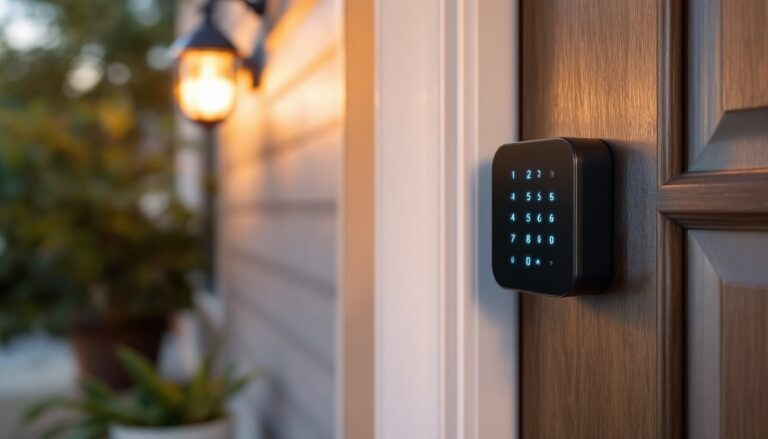
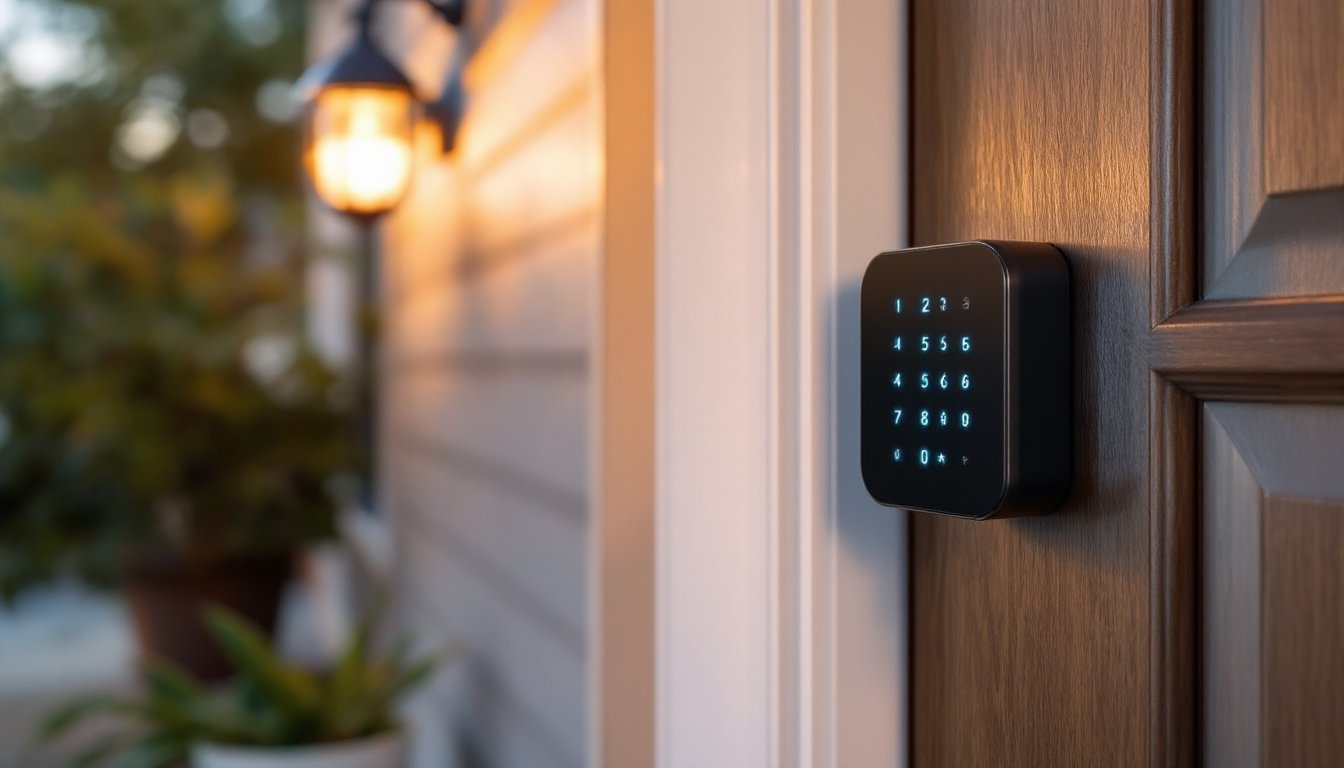
This isn’t a retrofit smart cylinder that slides into your existing lock, it’s a full deadbolt replacement. The exterior features either a keypad or touchscreen depending on the model, plus a physical keyway for backup mechanical access. The interior assembly includes the bolt mechanism, battery compartment, and manual thumb turn.
Key Features That Set This Smart Lock Apart
Vivint ecosystem integration is the headline feature. The lock syncs with door/window sensors, cameras, and thermostats to trigger automation scenes, unlocking the door can disarm the security system, turn on entry lights, and adjust the thermostat in a single action. That level of coordination requires a Vivint hub and subscription, but it’s more seamless than DIY smart home routines cobbled together across multiple apps.
The lock supports up to 30 unique user codes, each tracked individually in the app. You’ll see who unlocked the door and when, which is useful for monitoring kids, contractors, or house sitters. Codes can be scheduled for specific days and times, great for cleaners who only need access on Thursdays between 10 a.m. and noon.
Auto-lock functionality engages the deadbolt automatically after a set delay (configurable in 30-second increments). Combined with Vivint’s geofencing, the system can auto-unlock as you approach and re-lock after you leave. This requires your phone’s location services and consistent GPS signal, so it’s not foolproof in areas with weak cell coverage.
The lock meets ANSI/BHMA Grade 2 security standards, which is mid-tier for residential deadbolts. It’ll resist casual tampering and forced entry attempts, but it’s not a high-security Grade 1 lock. For most homes, Grade 2 is adequate paired with other security layers like cameras and motion sensors.
Physical backup access via the keyed cylinder means you’re never fully locked out if batteries die or the electronics fail. Keep a spare key in your wallet or with a trusted neighbor.
Installation Guide: DIY Setup in Under 30 Minutes
Tools you’ll need:
- Phillips-head screwdriver
- Tape measure
- Pencil
- Four AA batteries (often included)
Optional but helpful: Cordless drill with Phillips bit, if your door has dense hardwood or oversized pilot holes.
Step 1: Remove your existing deadbolt by unscrewing the interior mounting screws and pulling both halves away from the door. Save the screws if they’re in good shape, you might reuse them depending on the Kwikset kit contents.
Step 2: Check your door’s backset measurement, the distance from the door edge to the center of the bore hole. Standard residential doors use 2-3/8″ or 2-3/4″. The Vivint Kwikset lock includes an adjustable latch to fit both. Slide the latch to the correct marking and install it into the edge bore, securing it with the provided screws. The latch faceplate should sit flush with the door edge.
Step 3: Feed the exterior assembly’s cable through the bore hole from outside. Some users struggle with the cable snagging, wiggle it gently and make sure the latch isn’t blocking the path. The exterior keypad or touchscreen should sit flat against the door with no gaps.
Step 4: Align the interior assembly, threading the cable into the connector port. This is the fiddliest part, the connector is small and must seat fully or the lock won’t power on. Once connected, position the interior housing over the mounting posts and secure it with the long screws provided. Don’t overtighten: you’ll strip the plastic threads.
Step 5: Insert the four AA batteries, observing polarity markings. The lock will beep and the keypad will light up if properly powered. Test the manual thumb turn and verify the deadbolt extends and retracts smoothly.
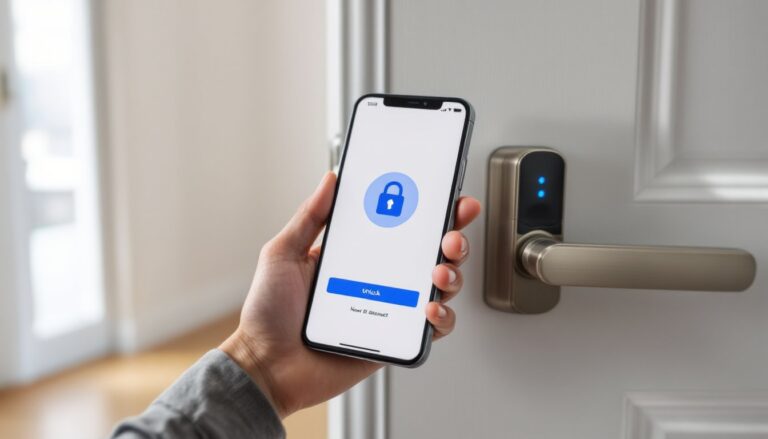
Step 6: Follow the pairing prompts in the Vivint app to add the lock to your system. You’ll need your Vivint panel within Z-Wave range (typically 30–50 feet with minimal obstacles). The app will walk through programming your master code and any additional user codes.
Most DIYers complete this in 20–30 minutes. If your door has non-standard prep or you’re replacing a mortise lock, you may need to drill new holes or patch old ones with wood filler and redrill, that’s a longer project.
How to Integrate with Your Vivint Smart Home System
Once the lock is physically installed and paired with your Vivint panel, integration happens through the SkyControl panel or Vivint app. Navigate to “Devices,” select “Add New Device,” and choose “Door Lock.” The panel will scan for nearby Z-Wave devices, make sure the lock is powered and within range.
After pairing, set your master code (four to eight digits, depending on model). This code has administrative privileges to add or delete other codes. Avoid obvious sequences like 1234 or repeated digits.
To create additional user codes, go to the lock settings in the app and tap “Manage Users.” Each code can be labeled (“kids,” “dog walker,” etc.) and assigned a schedule. Temporary codes are useful for Airbnb turnovers or short-term contractors, they expire automatically after the set window.
Automation scenes are where the system shines. In the Vivint app, create a scene like “Goodnight” that locks all doors, arms the security system, and turns off downstairs lights with a single command. Or set a “Welcome Home” scene that unlocks the door, disarms the alarm, and turns on the entryway light when your phone’s geofence detects your arrival.
The lock also integrates with Vivint Doorbell Camera for visual verification before remotely unlocking for deliveries or guests. If someone rings the bell, you can view the live feed and unlock the door from anywhere via the app, assuming you have cellular or Wi-Fi connectivity.
Z-Wave mesh networking means the lock can act as a repeater for other Z-Wave devices, strengthening signal throughout your home. But, many leading smart locks in 2026 now support multiple protocols, so if you’re comparing systems, consider future flexibility.
Troubleshooting Common Issues and Maintenance Tips
Lock won’t pair with Vivint panel: First, check battery orientation and charge level. Weak batteries cause intermittent connectivity. Move the panel closer to the door, Z-Wave range is line-of-sight optimistic: walls and metal studs degrade signal. Reboot the panel by unplugging it for 30 seconds, then retry pairing.
Deadbolt jams or doesn’t fully extend: This usually indicates misalignment between the bolt and strike plate. With the door open, operate the lock and watch the bolt path. If it’s hitting the strike plate edge, you may need to file the strike slightly or adjust the latch position. Loose hinge screws can cause doors to sag over time, throwing off alignment, tighten the top hinge screws into the door frame’s solid wood framing (not just trim) to lift the door.
Keypad unresponsive or sluggish: Replace all four batteries at once, even if only one is low. Mixing old and new batteries causes voltage imbalances. Clean the keypad with a dry microfiber cloth, moisture and grime interfere with capacitive touchscreens.
Low battery warnings: The Vivint app will alert you when batteries drop below 30%. Don’t ignore this, once batteries die, you’ll need the physical key to unlock. Keep a spare set of AAs in a kitchen drawer. In cold climates, battery life decreases: expect 10–12 months instead of 18.
Codes not working: If a valid code suddenly fails, check the app to confirm the code is still active and hasn’t expired. Re-enter the code slowly, rapid keypresses sometimes register as a single input. If the problem persists, delete and reprogram the code.
Routine maintenance: Every six months, remove the interior assembly and vacuum out dust from the battery compartment and connector port. Apply a small amount of graphite lubricant (not WD-40) to the keyway and deadbolt mechanism to keep operation smooth. Graphite won’t attract dirt like oil-based lubricants.
Several smart lock options available today include advanced diagnostics and longer battery life, but proper maintenance remains crucial regardless of brand.
Is the Vivint Kwikset Smart Lock Worth It for Your Home?
The Vivint Kwikset Smart Lock makes sense if you’re already committed to the Vivint ecosystem. The seamless integration with cameras, sensors, and automation scenes delivers a cohesive experience that’s hard to replicate with standalone smart locks. If you’ve got a Vivint security system and want to eliminate physical keys, this lock is a logical add-on.
But, the ecosystem lock-in is a real consideration. You can’t take this lock to a different smart home platform, and you’ll need an active Vivint subscription to access remote features. If you’re comparing costs, factor in the monthly service fee ($30–$60 depending on plan) on top of the lock’s upfront cost, which typically runs $150–$200 through Vivint.
For DIYers who value flexibility, independent smart lock systems for 2026 offer compatibility with multiple platforms (HomeKit, Alexa, Google Home) without subscription requirements. You’ll sacrifice some integration polish but gain portability.
Installation difficulty is low, this is a straightforward swap if your door has standard prep. The lock’s Grade 2 rating provides reasonable security for most suburban and urban homes, though high-risk properties might warrant Grade 1 hardware.
Battery dependence is a minor inconvenience, but the physical key backup mitigates lockout risk. The 30-user code capacity and scheduling features are more robust than many budget smart locks, making this a solid choice for families, landlords, or anyone managing multiple access points.
Bottom line: If you’re building out a Vivint smart home, this lock integrates beautifully and simplifies daily routines. If you’re shopping around or prefer platform-agnostic devices, explore alternatives before committing to the Vivint ecosystem.
Conclusion
The Vivint Kwikset Smart Lock delivers reliable keyless entry and tight integration with Vivint’s broader security platform. Installation is DIY-friendly for anyone comfortable swapping a deadbolt, and the automation capabilities genuinely streamline home access. Just be clear-eyed about the ecosystem commitment, this lock shines within Vivint’s walled garden but won’t follow you to other platforms. If that trade-off works for your setup, it’s a capable and well-engineered piece of hardware.