Table of Contents
ToggleSmart thermostats aren’t a luxury anymore, they’re a practical upgrade that can cut heating bills and simplify HVAC control. The Econet smart thermostat has carved out a niche among homeowners who want solid functionality without bleeding-edge complexity. Unlike some competitors that demand a learning curve or subscription fees, Econet focuses on straightforward remote control, scheduling flexibility, and compatibility with a wide range of HVAC systems. Whether someone’s retrofitting an older furnace or upgrading a new build, understanding what Econet offers, and where it fits in the smart home ecosystem, helps decide if it’s the right move.
Key Takeaways
- The Econet smart thermostat integrates seamlessly with Rheem and Ruud HVAC systems, offering unified control for multiple devices through a single app without subscription fees.
- Homeowners upgrading from basic thermostats can save 10-15% annually on heating and cooling costs, with a payback period of 18-30 months depending on climate and current HVAC efficiency.
- Installation is DIY-friendly for those with basic electrical knowledge, but compatibility verification is critical—non-Rheem equipment may require expensive adapter kits or professional help.
- Key features like 7-day programmable schedules, geofencing, humidity monitoring, and service reminders provide practical value, though the platform lacks advanced smart home integrations like IFTTT or web access.
- The Econet smart thermostat is ideal for Rheem-equipped homes and reliability-focused users, but less suitable for mixed-brand systems or those wanting extensive third-party smart home automation.
What Is the Econet Smart Thermostat?
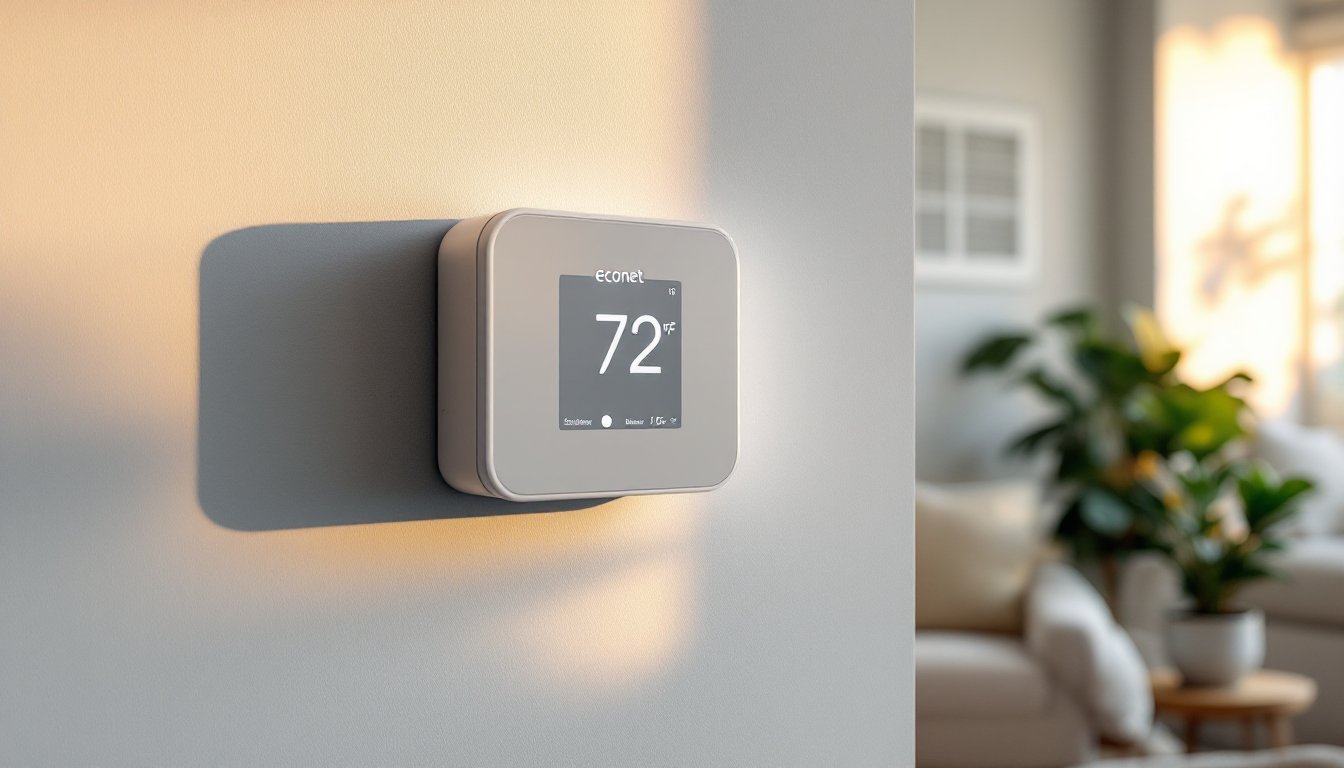
Econet is Rheem’s proprietary smart thermostat platform, designed primarily to integrate with Rheem and Ruud HVAC equipment. It’s not a universal third-party thermostat like Nest or Ecobee: it’s engineered for tight integration with specific brands. The system uses a Wi-Fi-enabled thermostat that communicates directly with compatible furnaces, air handlers, heat pumps, and water heaters.
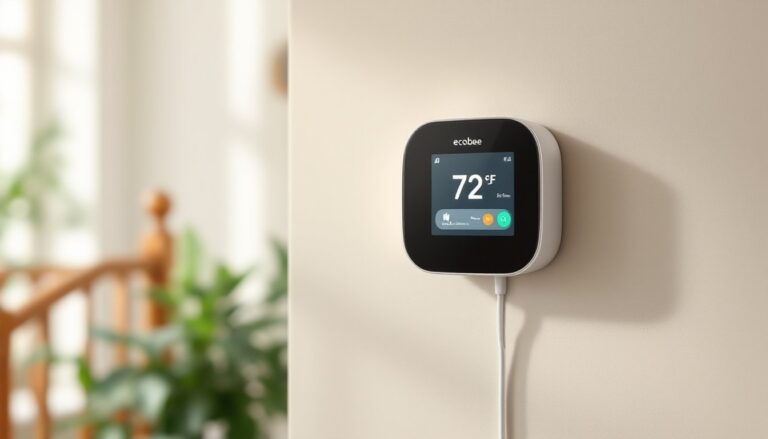
The core hardware is a touchscreen control panel, typically a 7-inch color display, that mounts on the wall like any standard thermostat. Behind the scenes, it connects to the home’s wireless network and syncs with the Econet mobile app (iOS and Android). This setup allows real-time adjustments from anywhere with cell service.
What separates Econet from generic smart thermostats is its ability to monitor and control multiple Rheem devices from a single interface. If a homeowner has a Rheem furnace and a Rheem tankless water heater, both can appear in the same app. That unified control is a selling point for households heavily invested in Rheem’s ecosystem, but it also means the platform is less appealing to those with mixed-brand HVAC gear.
Key Features That Set Econet Apart
Econet doesn’t chase gimmicks. Its feature set targets reliability and practical control:
- Multi-stage HVAC support: Handles single-stage, two-stage, and variable-speed systems, including heat pumps with auxiliary heat.
- Zoning capability: When paired with compatible zone control panels, it manages multiple thermostats across different areas of the house.
- Humidity monitoring: Displays indoor humidity levels and can trigger whole-home humidifiers or dehumidifiers if the HVAC system supports them.
- Service reminders: Tracks runtime hours and sends alerts when it’s time to change filters or schedule maintenance.
- Geofencing: Uses smartphone location to switch between home and away modes automatically.
- 7-day programmable schedules: Supports multiple setpoints per day, which matters for shift workers or households with irregular routines.
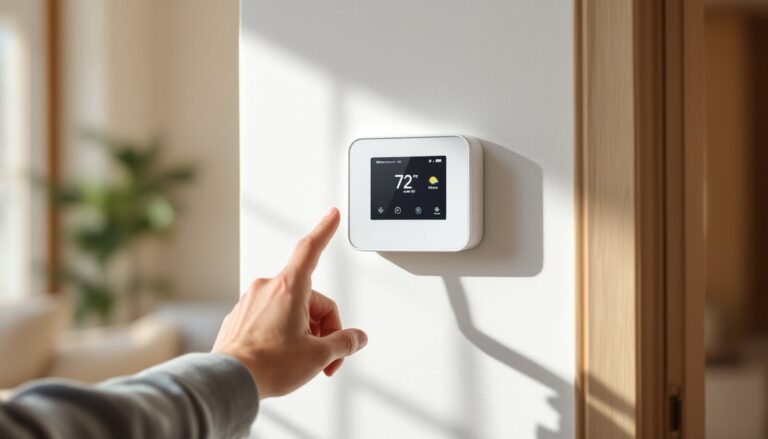
The touchscreen interface is straightforward, no cryptic icons or buried menus. Temperature adjustments are immediate, and the display shows current indoor/outdoor temps, humidity, and system status at a glance. For DIYers who’ve dealt with clunky programmable thermostats, the clarity is welcome.
One limitation: no smart assistant integration beyond basic voice control via Amazon Alexa or Google Assistant. There’s no IFTTT support or advanced home automation scripting. Econet stays in its lane, which works for some users and frustrates others.
Installation and Setup: What DIYers Need to Know
Installing an Econet thermostat is within reach for most DIYers who’ve handled basic electrical work, but it’s not quite plug-and-play. The biggest factor is compatibility, not all HVAC systems will work without additional hardware.
Compatibility with Your HVAC System
Econet is built for Rheem and Ruud equipment, and that’s where it shines. If the furnace, air handler, or heat pump already has an Econet-ready interface board, installation is straightforward. These boards feature dedicated connectors that the thermostat plugs into, bypassing traditional wire terminals.
For non-Econet equipment, things get complicated. The thermostat uses proprietary communication protocols, so it won’t just drop into place on a Carrier or Lennox system. Rheem sells adapter kits for select models, but compatibility is spotty. Before buying, homeowners should verify their equipment model number against Rheem’s compatibility database, or consult the installation manual.
The wiring itself is standard 18-gauge thermostat wire (usually 8-conductor for full feature support). Most homes built after 2000 have this in place. Older homes with 4- or 5-wire setups may need a wire run, especially if adding a C-wire (common wire) for continuous power. Without a C-wire, the thermostat can drain batteries quickly or fail to maintain a Wi-Fi connection.
Power down the HVAC system at the breaker before touching any wires. Label each wire with tape as it’s disconnected from the old thermostat. The Econet mounting plate uses screw terminals or snap connectors, depending on the model. Secure the plate to the wall (drywall anchors if there’s no stud backing), connect wires, snap the display on, and restore power.
Setup takes about 20-30 minutes once the thermostat is mounted. The display walks through Wi-Fi connection, system type selection (gas/electric, heat pump, stages), and app pairing. Have the home’s Wi-Fi password and smartphone handy.
Permit note: Replacing a thermostat typically doesn’t require a permit, but if the project involves running new low-voltage wiring through walls or modifying HVAC equipment, local codes may apply. Check with the local building department.
How the Econet App Enhances Your Control
The Econet app is where the thermostat earns its “smart” label. Available on iOS and Android, it mirrors the physical display and adds remote access.
Key app functions:
- Remote temperature adjustments: Change the setpoint from anywhere with internet access. Useful when plans change or someone forgets to lower the heat before leaving.
- Schedule management: Create or edit multi-day schedules without touching the wall unit. Drag-and-drop time blocks make this faster than button-pressing on the thermostat.
- System diagnostics: View error codes, runtime data, and maintenance logs. For troubleshooting, this can save a service call, or at least give the HVAC tech a head start.
- Multi-device control: If the household has multiple Econet thermostats or a compatible water heater, they all appear in the same app interface.
- Energy reports: Weekly summaries show heating/cooling runtime and compare usage month-to-month. Not as granular as some competitors, but enough to spot unusual spikes.
The app’s geofencing feature is hit-or-miss. It relies on smartphone location services, and accuracy varies depending on GPS signal and phone settings. Some users report delayed transitions between home and away modes, which can waste energy or leave the house too cold. It’s worth testing during a trial period and disabling if it doesn’t perform reliably.
One complaint from power users: the app doesn’t support web browser access. Control is mobile-only, which limits options for homeowners who prefer desktop interfaces or want to manage settings from a tablet.
Energy Savings and Cost Benefits
Econet markets energy savings as a core benefit, but real-world results depend on how the thermostat is used, and what it’s replacing.
If upgrading from a manual or basic programmable thermostat, savings can hit 10-15% annually on heating and cooling costs. That’s in line with EPA estimates for smart thermostats. The biggest gains come from consistent scheduling and away-mode automation. A house that used to stay at 70°F around the clock now drops to 62°F during work hours or overnight, cutting runtime.
For homes already using a well-programmed thermostat, savings shrink to 5-8%. The advantage shifts to convenience rather than raw cost reduction. Remote control and maintenance alerts add value, but they won’t revolutionize an electric bill.
Cost breakdown:
- Econet thermostat hardware: $150-$250, depending on model and retailer.
- Professional installation: $100-$200 if hiring an HVAC tech. DIY installation is free but requires confidence with low-voltage wiring.
- Payback period: With average savings of $120-$180 per year, break-even hits around 18-30 months. Faster if replacing an inefficient manual thermostat, slower if already using a programmable one.
Regional climate matters. Households in the Midwest or Northeast with long heating seasons see faster returns than those in mild climates with minimal HVAC use. Utility rates also play a role, states with high electricity or natural gas costs amplify savings percentages.
One hidden benefit: filter reminders and runtime tracking can extend HVAC lifespan by preventing neglect. A $40 filter change every three months is cheaper than a $300 blower motor replacement from dust buildup. Some smart home reviews note that maintenance features often justify the cost even without energy savings.
Is the Econet Smart Thermostat Right for Your Home?
Econet makes sense in specific scenarios. It’s a strong fit for:
- Rheem or Ruud HVAC owners who want deep integration and multi-device control.
- Homeowners comfortable with DIY electrical tasks and familiar with thermostat wiring.
- Households prioritizing reliability over cutting-edge features, no subscription fees, no algorithms learning behavior, just manual scheduling and remote access.
- Multi-zone homes with compatible zone panels where Econet’s zoning capability shines.
It’s a weaker choice for:
- Mixed-brand HVAC systems where compatibility becomes a headache.
- Smart home enthusiasts who want extensive third-party integrations, IFTTT recipes, or web-based control.
- Renters or frequent movers, since the thermostat’s value is tied to Rheem equipment that won’t follow them.
For those unsure about compatibility, it’s worth checking detailed smart thermostat buying guides that compare Econet against universal options like Ecobee or Honeywell Home. If the HVAC system isn’t Econet-ready, the installation complexity and potential adapter costs may tip the scales toward a more flexible alternative.
Bottom line: Econet is a solid workhorse for Rheem households. It won’t dazzle with features, but it won’t nickel-and-dime users with subscriptions or fail after two years of firmware updates. For DIYers who value straightforward control and tight HVAC integration, it’s a practical upgrade that pays off through lower bills and easier maintenance tracking.