Table of Contents
ToggleInstalling a smart lock on a bedroom door might seem unconventional, but it’s a practical upgrade for anyone who values privacy, convenience, or security within their own home. Whether it’s a master suite, a teenager’s room, a home office, or a guest bedroom, smart locks offer keyless entry, remote access, and an extra layer of control that traditional keyed locks or basic privacy latches can’t match. The technology has matured to the point where bedroom installations are straightforward, affordable, and surprisingly versatile. This guide walks through the why, what, and how of adding a smart lock to an interior door.
Key Takeaways
- A smart lock for bedroom doors provides keyless entry, remote access control, and enhanced privacy without the need for traditional keys or locks.
- Keypad and biometric smart locks are the most practical options for bedrooms, with keypad models offering simplicity and affordability while fingerprint locks add convenience at a higher cost.
- Most bedroom smart locks run on batteries lasting 6–12 months and require just a Phillips screwdriver for DIY installation on standard interior doors with 2-1/8-inch bore holes.
- Verify your door’s backset (2-3/8 or 2-3/4 inches) and thickness (1-3/8 inches) before purchasing to ensure compatibility with your chosen smart lock model.
- App-enabled smart locks let you set temporary access codes, monitor activity logs, and schedule auto-lock timers, making them ideal for managing guest access or monitoring household security.
- Most bedroom smart lock installations take 15–30 minutes and don’t require permits, making this a straightforward DIY upgrade for homeowners seeking privacy and convenience.
Why Install a Smart Lock on Your Bedroom Door?
Privacy is the most common motivator. A smart lock lets occupants control access without fumbling for keys or worrying about lost copies. Parents of teens appreciate the ability to grant or restrict entry remotely, especially when managing shared spaces or setting boundaries around personal areas.
Home offices and nurseries also benefit. A keypad or biometric lock prevents interruptions during work calls or ensures that young children can’t wander into rooms with hazards. Guest bedrooms in rental properties or Airbnb setups gain an extra layer of security, allowing hosts to issue temporary codes that expire after checkout.
Convenience plays a role too. Carrying keys inside your own home is clunky. Smart locks eliminate that, and many models integrate with broader home automation systems. Some connect via Bluetooth, Wi-Fi, or Zigbee protocols, enabling voice control through Alexa, Google Assistant, or Apple HomeKit.
There’s also the age-in-place angle. Older adults or those with mobility challenges find keyless entry easier to manage than traditional locks, especially models with auto-unlock features triggered by proximity sensors.
Key Features to Look for in a Bedroom Smart Lock
Power source matters on interior doors. Most bedroom smart locks run on batteries, typically four AA batteries that last six months to a year depending on usage. Hardwired options exist but require running low-voltage wiring through the wall, which isn’t practical for most retrofits. Look for low-battery alerts sent via app or audible beep.
Backset and door thickness are critical measurements. Standard interior doors in the U.S. have a 2-3/8-inch or 2-3/4-inch backset (the distance from the door edge to the center of the bore hole) and are typically 1-3/8 inches thick. Most smart locks designed for residential use accommodate these dimensions, but confirm compatibility before buying. Measure your existing lock’s backset with a tape measure if you’re unsure.
Connectivity varies by model. Bluetooth-only locks are cheaper and don’t require a hub, but you can’t control them remotely unless you’re within range (usually 30–50 feet). Wi-Fi-enabled locks connect directly to your home network, allowing remote access from anywhere via smartphone app. Z-Wave or Zigbee locks require a compatible smart home hub (like Samsung SmartThings or Hubitat) but integrate well with whole-home automation routines.
Access methods dictate usability. Keypad models let users enter a 4-to-8-digit PIN code. Biometric locks scan fingerprints. Some hybrid models offer both, plus physical key override. For bedrooms, a key override isn’t always necessary, privacy latches or emergency coin-turn releases on the interior are often sufficient and meet most residential building codes.
Certifications like ANSI/BHMA Grade 2 or Grade 3 indicate durability and cycle testing. Grade 1 locks are commercial-grade overkill for interior doors. Since bedroom doors aren’t exterior security points, Grade 2 or 3 is adequate. Check if the lock includes a privacy function (thumb-turn on the inside) if you want to maintain the traditional bedroom door behavior alongside smart features.
App features worth considering include temporary access codes, activity logs, and auto-lock timers. Temporary codes are useful for house sitters or contractors. Activity logs show who unlocked the door and when, helpful for parents monitoring teen comings and goings. Auto-lock ensures the door re-locks after a set period, preventing accidental unlocked doors.
Top Smart Lock Types for Bedroom Doors
Keypad Smart Locks
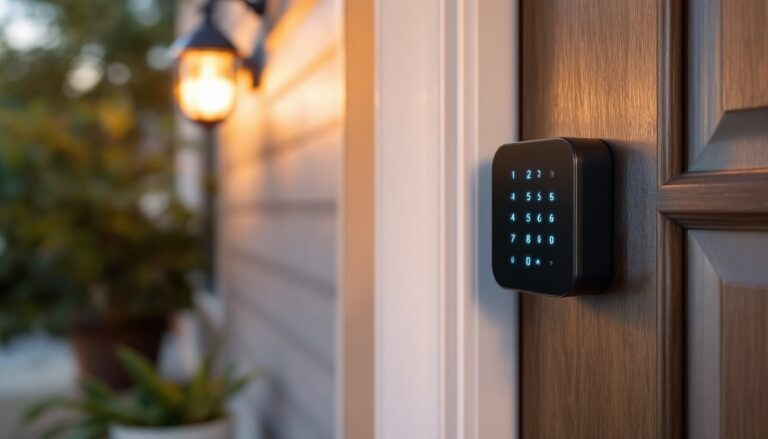
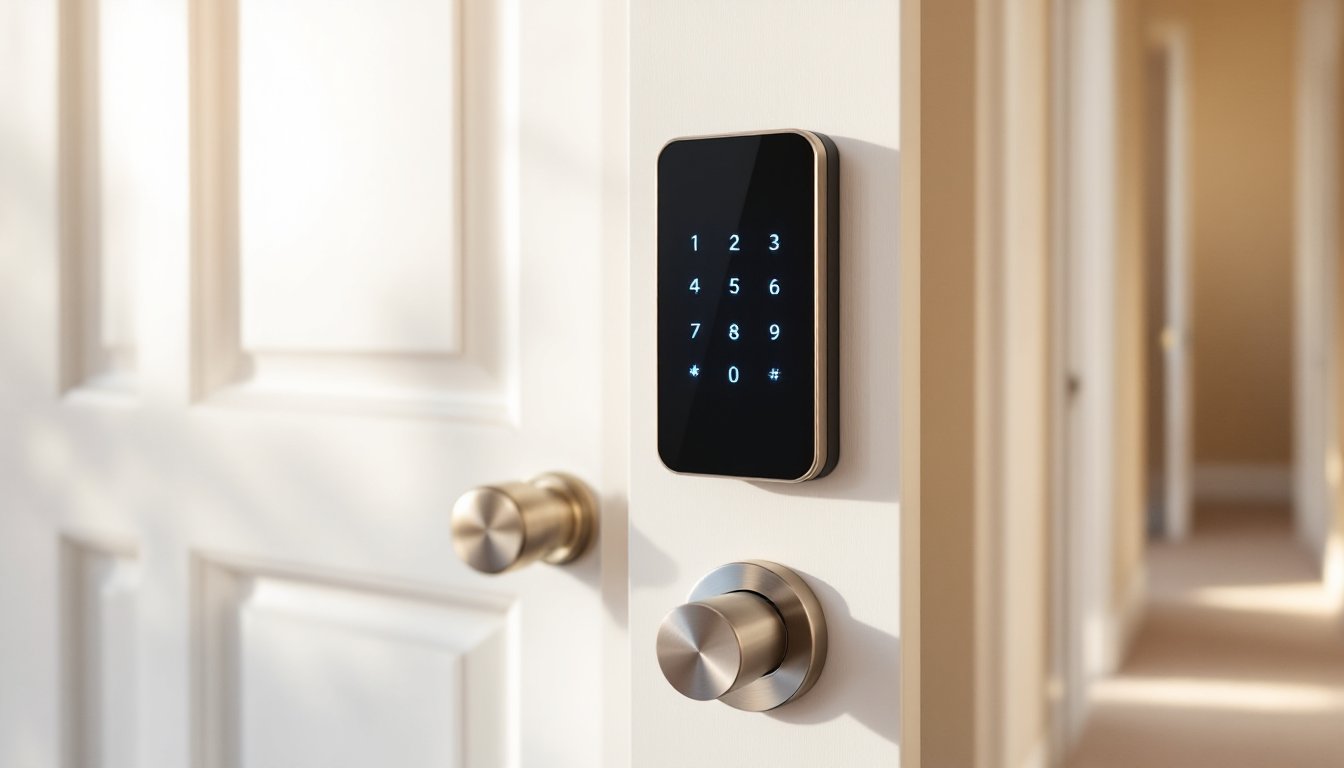
Keypad locks are the most common choice for bedroom installations. They’re straightforward: punch in a code, turn the thumb-turn, and you’re in. Models like the Schlage Encode or Yale Assure Lock SL are popular for interior use, though both are marketed primarily for exterior doors and may be bulkier than necessary.
For bedrooms, look for slimmer keypad deadbolts or electronic privacy locks designed specifically for interior applications. These often lack the heavy-duty strike plates and reinforced bolts found on exterior locks, which reduces cost and installation complexity. Many smart home enthusiasts on connected device forums recommend opting for locks with capacitive touchscreens rather than mechanical keypads, as they’re quieter and less likely to show wear patterns from repeated button presses.
Keypad locks typically support 10 to 30 unique user codes, depending on the model. This is more than enough for a household. Some allow code scheduling, setting specific codes to work only during certain hours or days of the week, useful for limiting guest or service provider access.
Installation is DIY-friendly. Most keypad locks fit standard 2-1/8-inch diameter bore holes and require only a Phillips screwdriver. The biggest challenge is aligning the interior and exterior assemblies during install, which usually takes 15–30 minutes for someone comfortable with basic hardware.
Biometric and Fingerprint Locks
Fingerprint locks add a layer of convenience by eliminating codes altogether. You press your finger to the sensor, and the lock disengages. Response times on current models are under one second, and accuracy has improved significantly since early iterations that struggled with dry or dirty fingers.
Biometric locks for interior doors are less common than keypads but growing in availability. Brands like Ultraloq and Lockly offer fingerprint deadbolts that work on standard residential door prep. Most store 50 to 100 fingerprints, so multiple household members can enroll several fingers each for redundancy.
One advantage: no memorizing codes or worrying about someone shoulder-surfing your PIN. The downside is cost, fingerprint locks typically run $50 to $100 more than comparable keypad models. Battery life can also be shorter due to the power draw of the optical or capacitive sensor.
For families with young children, fingerprint locks can be tricky. Kids’ fingers are small and change as they grow, requiring periodic re-enrollment. Keypad locks with a simple code shared among family members may be more practical in those cases.
Some biometric models include backup keypads or RFID card readers for situations when the sensor fails or fingers are too wet/cold to register. Hybrid models provide flexibility but add bulk to the door hardware, which may not suit minimalist interior aesthetics. Consider the trade-off between features and visual profile when choosing for a bedroom.
How to Install a Smart Lock on Your Bedroom Door
Tools you’ll need:
- Phillips screwdriver (most installations require only this)
- Tape measure
- Pencil
- Drill with 2-1/8-inch hole saw (only if drilling a new bore hole)
- 1-inch spade bit (for latch hole, if needed)
- Chisel and hammer (for mortising strike plate or latch faceplate)
- Level (optional, helps align hardware)
Materials:
- Smart lock kit (includes lock body, latch assembly, strike plate, screws, batteries)
- Door prep template (usually included in kit)
Safety note: Wear safety goggles if drilling. Interior doors are typically hollow-core or solid wood: both materials can splinter.
Step-by-step installation:
-
Remove the existing lock. Unscrew the interior and exterior handles or knobs, then pull out the latch assembly from the door edge. Keep the screws in case you need to reinstall the old lock later.
-
Check bore hole and backset measurements. Most modern interior locks use a 2-1/8-inch bore hole and 2-3/8-inch or 2-3/4-inch backset. Measure your existing hole diameter and backset. If your new smart lock matches these dimensions, you can skip drilling.
-
Install the latch assembly. Slide the new latch (included with the smart lock) into the edge bore hole. The latch should be oriented so the angled edge of the latch bolt faces the direction the door closes (toward the strike plate). Screw the faceplate flush with the door edge. If the faceplate sits proud, chisel a shallow mortise so it sits flush.
-
Mount the exterior assembly. For keypad or biometric locks, the exterior assembly is the side with the keypad or sensor. Thread the cable (if your model uses one to connect interior and exterior components) through the bore hole. Align the tailpiece (the metal spindle that actuates the latch) with the latch mechanism, then press the exterior assembly against the door. Secure it with the provided screws, but don’t overtighten, snug is enough. Overtightening can bind the mechanism.
-
Attach the interior assembly. Align the interior thumb-turn or cover plate with the tailpiece. Most smart locks use a mounting plate secured by two long screws that pass through the door and thread into the exterior assembly. Tighten these screws evenly, alternating sides to avoid misalignment. Insert batteries into the battery compartment (location varies by model, consult the manual).
-
Install the strike plate. Position the strike plate on the door jamb so the latch bolt aligns with the hole. Mark screw holes with a pencil, then drill pilot holes with a 1/8-inch bit to prevent the jamb from splitting. Screw the strike plate in place. If the latch doesn’t catch smoothly, adjust the strike plate position slightly or deepen the mortise with a chisel.
-
Test mechanical operation. Before programming codes or connecting to Wi-Fi, manually test the lock. Turn the thumb-turn and verify the latch extends and retracts smoothly. Close the door and ensure it latches securely. If the latch binds, check alignment, interior door frames can be slightly out of square.
-
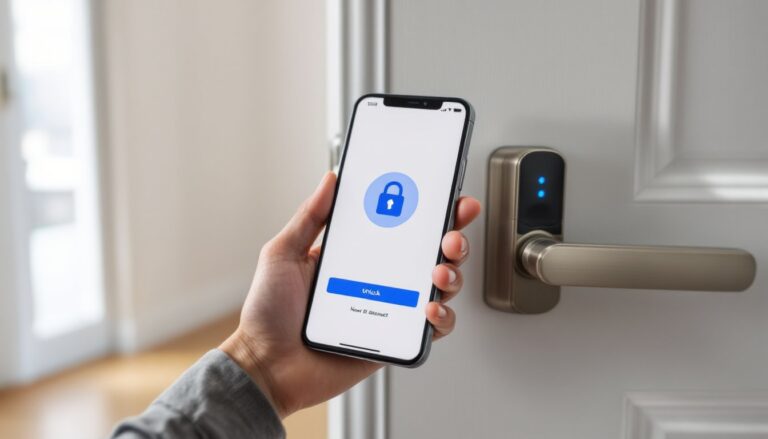
Program the lock. Follow the manufacturer’s instructions to set a master code, enroll fingerprints, or connect to your home network. Most locks enter programming mode by holding down a button or entering a default code. If your lock supports app control, download the app, create an account, and pair the lock via Bluetooth or Wi-Fi. This step varies widely by brand, so keep the manual handy.
-
Set up integrations (optional). If your lock supports Alexa, Google Assistant, or Apple HomeKit, link it through the respective app. This usually requires enabling a skill or adding the device through the home app. Test voice commands to ensure responsiveness. Not all bedroom smart locks offer voice control, check compatibility before purchase if this matters to you.
Common installation issues:
- Latch won’t extend: Tailpiece isn’t fully seated in the latch mechanism. Disassemble and realign.
- Lock won’t stay secured to door: Screws are too short or door is too thick. Use longer screws (make sure they don’t protrude through the opposite side).
- Door won’t close: Latch bolt is too long or strike plate hole is too shallow. Adjust strike plate or file down the latch bolt slightly (not ideal, but sometimes necessary on old jambs).
Permit requirements: Interior door lock replacements typically do not require permits. If you’re drilling a new bore hole in a door that didn’t previously have a lock, this is still considered minor work and permit-exempt in most U.S. jurisdictions. Check local codes if you’re in a historic district or condo with HOA restrictions.
If your bedroom door is solid-core or metal (less common for interiors), drilling may require a bi-metal hole saw and more patience. Solid-core doors are heavier, so ensure hinges are in good condition before adding the weight of a smart lock. Most smart locks weigh 2 to 4 pounds, which standard 3.5-inch residential hinges handle fine, but older or worn hinges may sag over time.
Conclusion
Adding a smart lock to a bedroom door is a manageable DIY project that delivers real-world benefits in privacy, convenience, and access control. With the right measurements, a compatible lock, and about an hour of focused work, most homeowners can handle the installation without professional help. Choose features based on your household’s needs, keypad simplicity, biometric speed, or app-based flexibility, and don’t overthink it. The best lock is the one that gets used.